 PH
PH
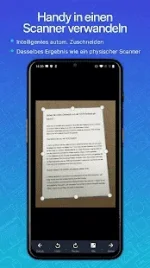
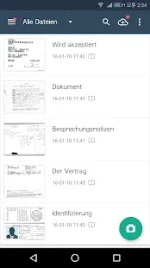
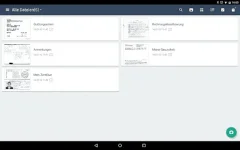
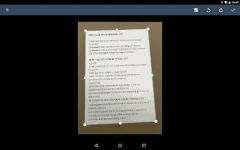
CamScanner – PDF Creator is a tool that lets you convert any printed document to a PDF file, all on your Android device. The only thing you have to do is take a photo of the document in question, using the photo tool that is part of CamScanner – PDF Creator. Of course, the photo needs to be somewhat centered and well-lit. The app will then process the photo in question, and in a matter of seconds it will have converted it to a PDF document. Once you have the PDF document saved to your device’s memory, you can work with it just like you would with any other file of this type.
Main Features :-
- Mobile Scanner
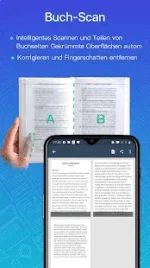
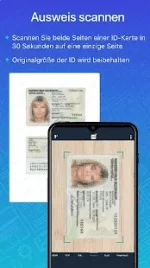
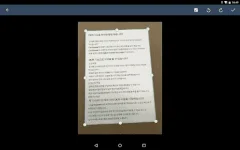
Use your phone camera to scan receipts, notes, invoices, whiteboard discussions, business cards, certificates, etc. - Optimize Scan Quality
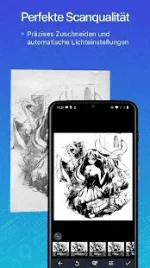
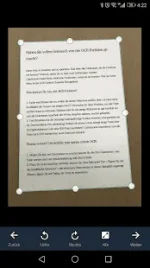
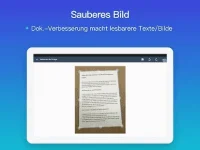
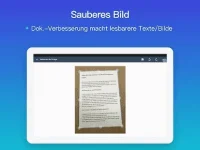
Smart cropping and auto enhancing make the texts and graphics look clear and sharp - Quick Search
By entering any keyword, you’ll see a list of docs with the word in their titles, notes or images (Registrants only) - Extract Texts from Image
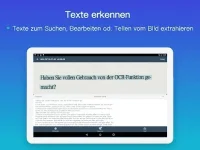
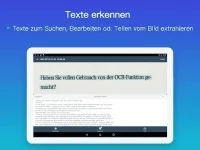
OCR (optical character recognition) extracts texts inside single page for further editing or .txt sharing. (Licensed only) - Share PDF/JPEG Files
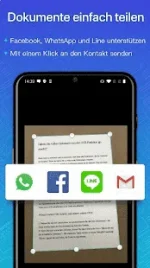
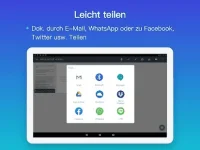
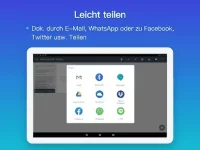
Easily share docs in PDF or JPEG format with others via social media, email attachment or sending the doc link - Print & Fax
Instantly print out docs in CamScanner with nearby printer; directly fax docs to over 30 countries right from the app - Collaboration
Invite friends or colleagues to view and comment on your scans in a group. (Registrants only) - Advanced Editing
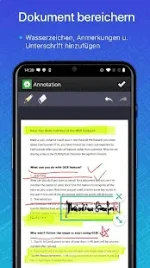
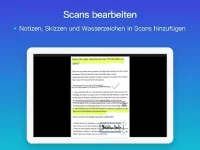
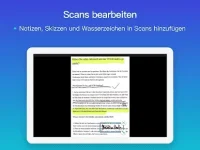
Making annotations or adding customized watermark on docs are made available for you - Secure Important Docs
Set passcode for viewing important docs; meanwhile, when sending doc link, you can set password to protect it - Sync across Platforms
Sign up to sync documents on the go. Just sign in to any smartphone, tablet or computer (visit You do not have permission to view the full content of this post. Log in or register now.) you own and you can view, edit and share any document. (Registrants only)
Premium Subscription Features
- Edit OCR results and notes of the entire doc, exporting as .txt file
- Create Doc Collage for multiple pages
- Add 10G cloud space
- Add 40 extra collaborators
- Send doc link with password protection and expiration date
- Auto upload docs to Box, Google Drive, Dropbox , Evernote and OneDrive
- Batch download PDF files in web app
- Every benefit registrants enjoys
- Everything ρáíd app offers
Mod Info :-
- This app has no advertisements


Download (103.0 MB):
You do not have permission to view the full content of this post. Log in or register now.