 PH
PHShadow Hokage
Eternal Poster

Review
Foxit PhantomPDF Business is a professional software solution built specifically for creating PDF files. Not only does this tool manage to provide all the necessary options for helping a user create PDFs, but it also comes packed with many advanced features, such as encryption, conversion, and a built-in PDF editor. The program boasts an intuitive interface and represents the comprehensive application with a broad range of features that might simplify user work.
Thanks to its multi-tabbed support, a user can easily switch between documents. It supports batch processing, which means a user can add multiple files to the list and convert them to PDF simultaneously. Foxit PhantomPDF Business can work with a wide range of file formats, namely XLS, XLT, DOC, DOCX, PPT, PPTX, POT, PPTM, BMP, JPG, GIF, TIF, PNG, plain text, and others. Moreover, a user can merge multiple files into a single PDF file. The application also allows users to convert the data that they have added to the list to the following file formats: HTML, RTF, DOC, XLS, XLSX, PPTX, and plain text.
A user may toggle the full-screen mode and switch to the pan or text view mode. The last one enables a user to copy the selected text. The program comprises a built-in text editor that allows users to insert text, images, and graphical objects. A user can also keep their documents private from unauthorized viewing by setting up passwords.
System requirements:
OS: Microsoft Windows;
CPU: 1.3 GHz or faster processor;
RAM: 512MB (Recommended: 1GB RAM or greater);
HDD: 2 GB of available hard drive space;
1024*768 screen resolution.
Repack features:
1. Combined installation in one distribution package or unpacking portable * (PortableApps format) version;
2. Does not require registration (ρá†ch by pawel97);
3. Standard (choice of parameters and components) or automatic installation (parameters and components by default);
4. The ability to import settings from settings.reg (if located next to the installer).
NOTE: When a user first starts the portable version, the program will report that run third-party application (in this case, paf loader) mark the checkbox "Remember my choice for this application" and press OK. The situation may be repeated when changing the location of the portable version.
Install notes:
1. Run the executable file or command-line interpreter program for silent installation;
2. Enjoy!
Screenshots:
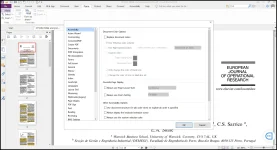
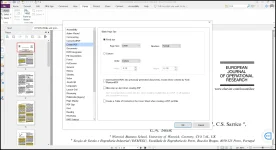
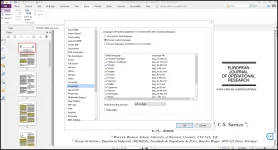
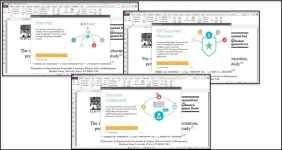
All credits go to elchupacabra, who made and shared the repack and portable version with us!
DOWNLOAD LINK:
You do not have permission to view the full content of this post. Log in or register now.

