 PH
PHRequirements:
Screenshots will be uploaded later
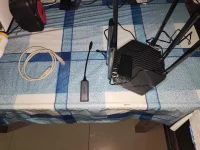
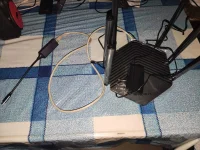
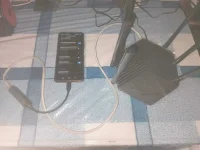
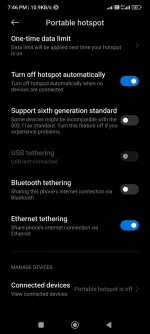
- Any Android 11/12 Devices with Ethernet Tethering feature, not the
USB Tethering(Go to Settings -> Enter keyword in the Search bar "Ethernet Tethering", if you don't have this feature, you are not qualified to proceed with below steps) - Mobile Data (4G+/5G connection with unlimited data plan recommended)
- any Wi-Fi router (High Mbps specification recommended)
- Type C Ethernet USB adapter
- RJ-45 UTP Cable
- Prepare the powered on Wi-Fi router & Android device with Mobile data already turned on
- Plug-in the Type C Ethernet USB adapter to your Android device
- Plug-in RJ-45 UTP Cable in between Type C Ethernet USB adapter's UTP Cable port & to Wi-Fi Router's WAN Port (Wi-Fi router will act as an access point)
- On your tether tested Android device, access the Ethernet Tethering feature, Go to Settings -> Go to search bar -> Enter keyword in the Search bar: Ethernet Tethering, then tap the desired feature
- Turn on Ethernet Tethering
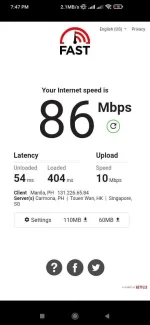
- If you have an extra Android Device or Laptop/PC connected to the Wi-Fi router, do an Internet Speedtest if it is working.
Screenshots will be uploaded later
