PH
PHKingSemreh
Eternal Poster
This is for Lifetime Licensed (Permanent) kapag ka gumana sa inyo ang Confirmation ID na ibibigay sa inyo.
Give away [MS Office 2016, 2019, & 2021 - Telephone Activation]
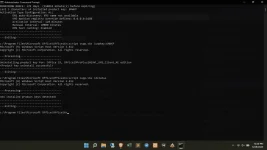
Assuming meron na kayong license nakalagay sa Microsoft Office ninyo. Hindi niyo ma activates the software over the Internet or by telephone.
ACTIVATION BY TELEPHONE Working with Office 2016/19/21 Pro/Proplus/HS/HS If you experience difficulties Activating your Software Online, follow the steps below to Activate your Software product by Telephone…
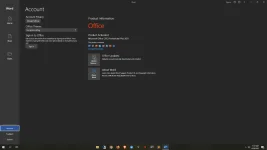
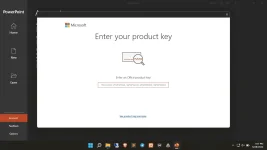
1- After completing the step up, start any Office program i.e. Word or Excel,–etc To open the activation wizard. Go to File>> Account>> Activate Product
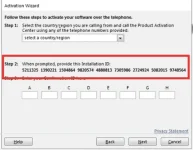
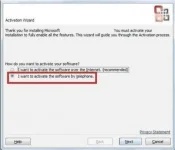
2- Select: I want to activate the software by telephone.
3- Select your county/region from the dropdown (ie. Philippines).
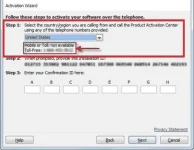
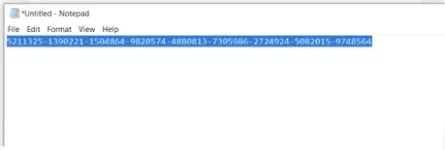
4- Cope & Type Installation ID code in a NotePad.