PH
PHSteps 1. Open Microsoft Store
Steps 2. Search and Download "Xbox Insider Hub"
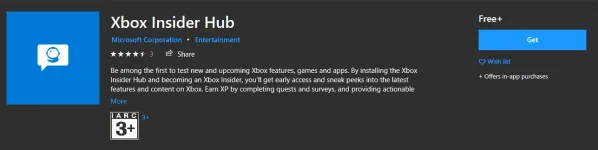 Step 3. Open "Xbox Insider Hub" and Click Preview
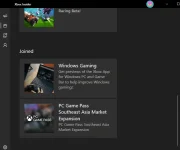
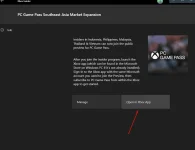
Step 4. Click PC Game Pass Southeast Asia Market Expansion
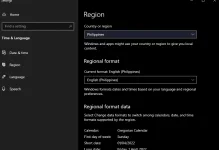
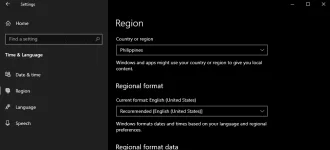
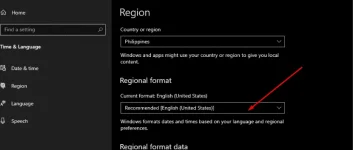
Note "Pag walang "PC Game Pass Southeast Asia Market Expansion" sa pagpipilian Change your Microsoft account region into PH Same sa Region ng OS ninyo and re open the hub"
Step 5" Click Join " and the hub will install xbox Apps once the Installation completed
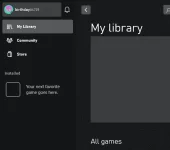
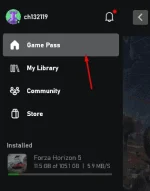
Step 6" Click "Open In Xbox App" and click Game pass
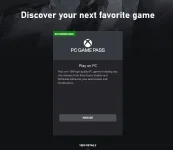
This Recommended Pc Game Pass will pop up and Click Join
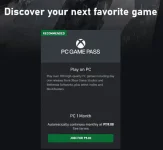
Note: Para sa unang Buwan 5 Pesos Lang ang Singil Sakin Bali may 50 na test Charge and once naging successful ang payment they will credit back sa inyo yung 50pesos then yung 5 ang mababawas, sa next month 119 na po siya Sulit na rin po although im not sure if the price will change
 Btw im using Mastercard ng Gcash as MOP
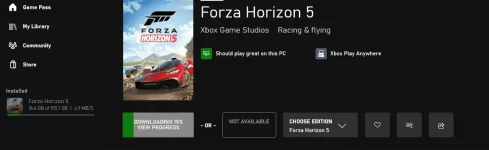
and kung wala pong paypal, credit/debit Card meron pong gumamit ng American E×ρréšš Virtual Pay (Search na lang po kayo sa google paano po magkaroon ng Amex Virtual Pay Once po naging success po ang pag fillup ninyo ng inyong Virtual Payment using gcash or CR/Dr Card and mag Success ang payment mag download na po ng Gusto ninyong laro na Kasama sa Gamepass
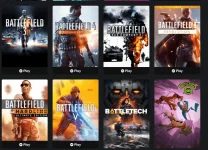
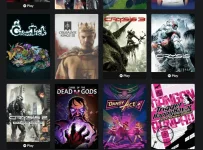
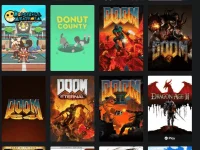
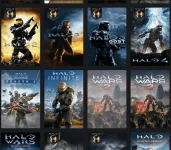
SAMPLE GAMES:
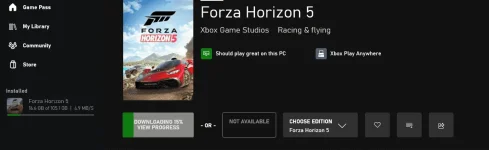
Downloading