PH
PHdemarcuscousin
Contributor
1) Create your Google account. If you're using a CC/VCC with a name set, I'd recommend you fill the Name and Surname fields with the ones on the CC.
2) Proceed to You do not have permission to view the full content of this post. Log in or register now. and sign up for the 365 day trial.
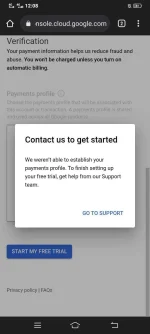
3) Use your CC/VCC to set up the trial. No charges to your CC/VCC will be made.
4) Create a new VPS in Compute Engine => VM Instances.
5) Done! You now have a free VPS. You can set any configuration and location you'd like.
Can be used again only when the old account's trial expires.