PH
PH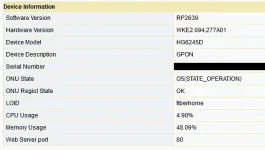
1 Download HG6245D-RP2639 fw You do not have permission to view the full content of this post. Log in or register now.
2 Use the ρá†ch cable removal method to obtain adminpldt access on your RP2804 onu.
3 Go to device managment and select local upgrade browse to fw youve downloaded and flash
4. After successfull flash onu will reboot, press the reset button
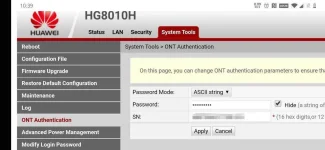
5. This is the important step use internet explorer or else you will not be able to login in 192.168.1.1/fh and use credentials below to access debug switch
Superadmin: f9!6b1e1rhO3es~u!p@e#r$a%d^m*i(n
Password: s)f_U+h|g{u@5h2o1q0b1l
Pldt admin: adminpldt
Password: 6GFJdY4aAuUKJjdtSn7dC2x
6. gpon/gpon or gepon/gepon account for telnet access doesnt work on this fw