 PH
PHgeorge0603
Grasshopper
Procedure
• From the homepage, select Support on the left hand side.
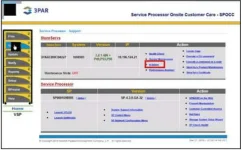
Then under StorServ, select InSplore
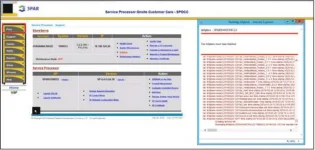
A separate window will open showing Running InSplore. This may take time. Once finished you need to select Files on the left hand side
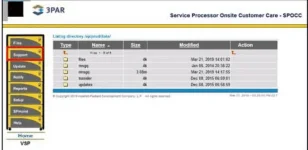
Then click the File folder > Folder with 3PAR S/N > Insplore folder.
• Once inside the Insplore folder, under Actions you may select Download

Hope it helps sa mga Service Desk or IT personnel with this kind of machine.
• From the homepage, select Support on the left hand side.
Then under StorServ, select InSplore
A separate window will open showing Running InSplore. This may take time. Once finished you need to select Files on the left hand side
Then click the File folder > Folder with 3PAR S/N > Insplore folder.
• Once inside the Insplore folder, under Actions you may select Download
Hope it helps sa mga Service Desk or IT personnel with this kind of machine.