PH
PHNovaPDF 11 Professional
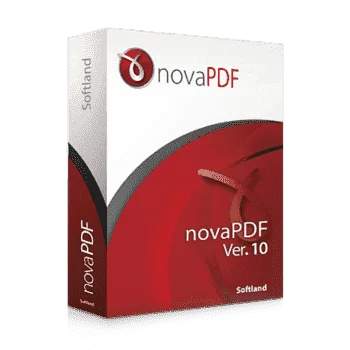
The Industry-standard PDF Creator & Printer
The full version of novaPDF Professional 11 acts as a virtual printer that creates standard PDF documents from application content (text documents, spreadsheets, presentations, web pages, photos, etc.). For Microsoft Office applications, novaPDF 11 adds a custom tab to the ribbon with the ability to create PDF files that provide more detailed settings than the standard PDF export tools built into Office applications.
For example, These are preferences for the size and orientation of pages of created PDF documents or their connection to the content of existing PDF files. More customized novaPDF Professional 11 output options are provided by user profiles, which you can create as many as you want for different occasions.
The actual export of the content to PDF documents then proceeds exactly the same, as if you were sending it to a printer connected to your computer. The finished PDF document can be opened in any PDF viewer.
novaPDF 11 has three major editions: Lite, Standard, and Professional. novaPDF Professional has all the features enabled, while novaPDF Lite and Standard have limited functionality.
For example, These are preferences for the size and orientation of pages of created PDF documents or their connection to the content of existing PDF files. More customized novaPDF Professional 11 output options are provided by user profiles, which you can create as many as you want for different occasions.
The actual export of the content to PDF documents then proceeds exactly the same, as if you were sending it to a printer connected to your computer. The finished PDF document can be opened in any PDF viewer.
novaPDF 11 has three major editions: Lite, Standard, and Professional. novaPDF Professional has all the features enabled, while novaPDF Lite and Standard have limited functionality.
Requirements
To run the software with optimum reliability and performance, your system should match the following requirements:- Supported OS: Windows 7/8/10 (32/64 bit)
- .NET framework version 4.6 or higher (you’ll be prompted during setup to install if it’s not already on your PC.)

- Instructions
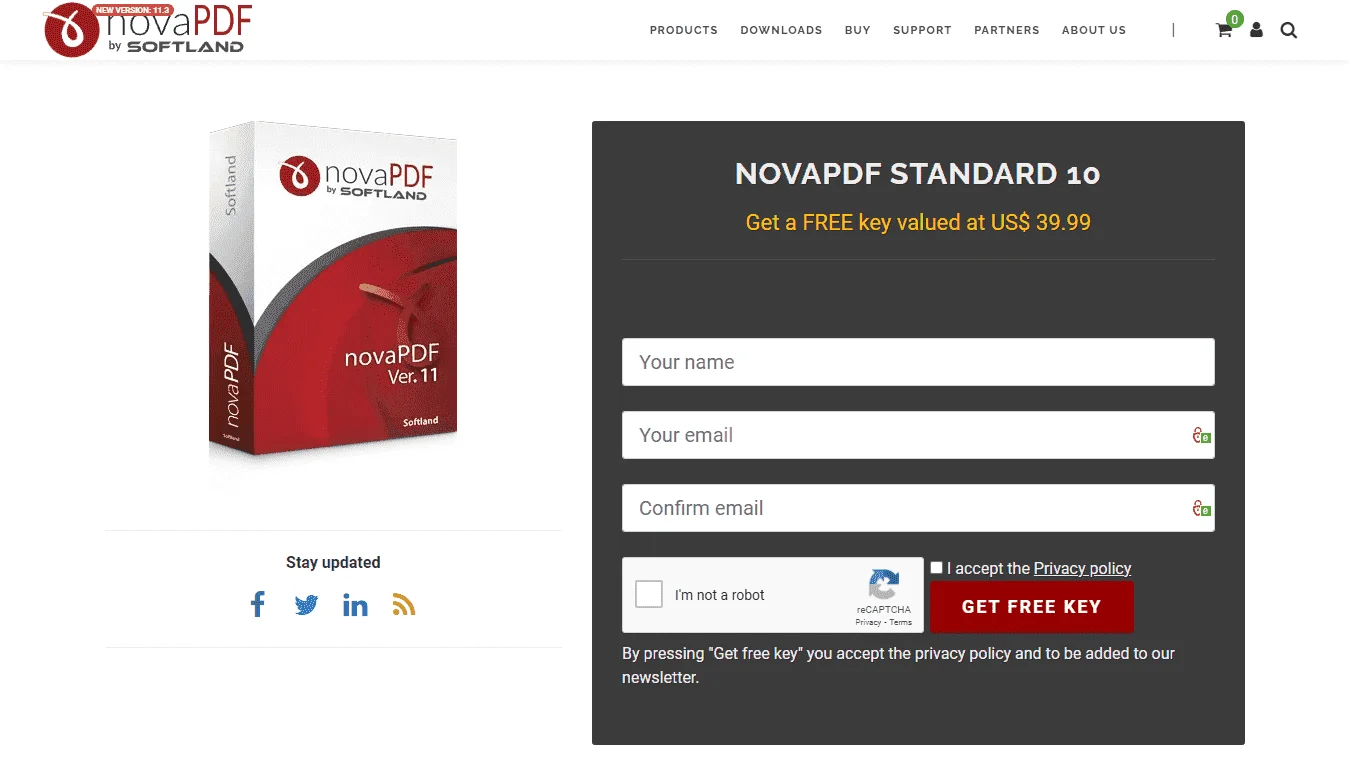
- Go to the registration page by NovaPDF.com > You do not have permission to view the full content of this post. Log in or register now.
- On the registration page, Fill in the form with your Name, Your E-Mail, & Confirm E-Mail.
- Give a Check on the 'I accept the Privacy policy' and 'I'm not a Robot' captcha and click on the 'GET FREE KEY' button.
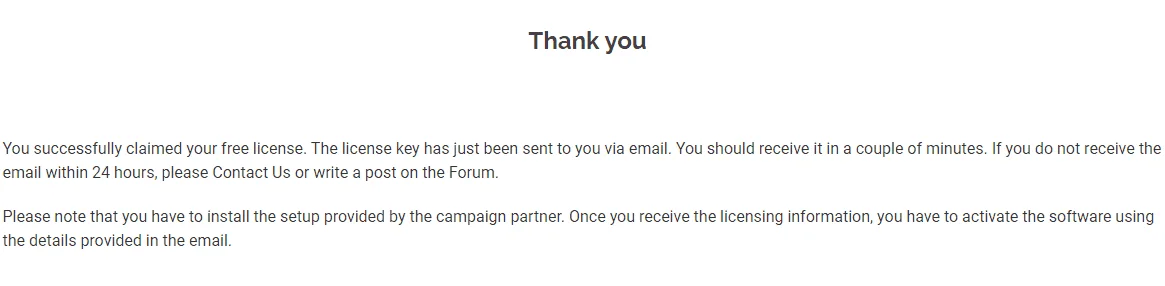
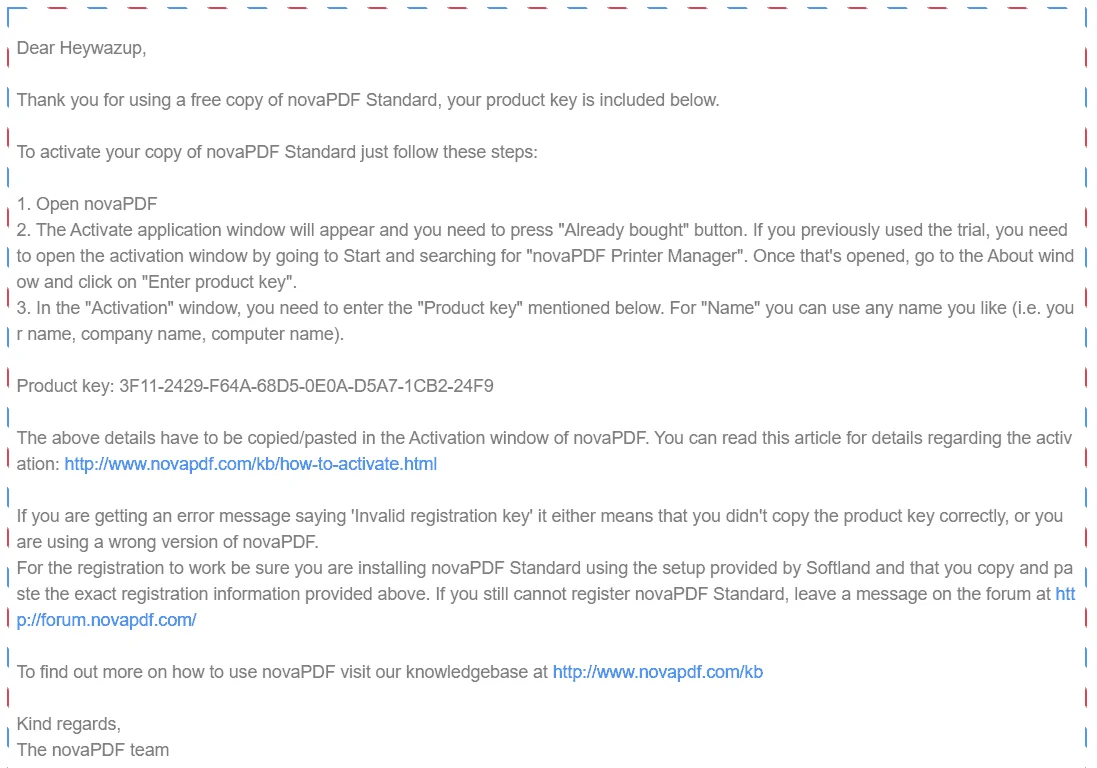
- You will receive a message with the required product key in a short time.
- Download the installation from here:You do not have permission to view the full content of this post. Log in or register now.
- Once downloaded, Install it & Launch the Program after installation.
- In the novaPDF start window, click the »Enter key« button and in the next window, enter the obtained product key in the first line,
- Then enter the name and e-mail used to register the site and click »Activate«.
- This completes the activation of the full version of the program and just click on the »Restart« button.
- Enjoy the full features of Lite Edition!
- Terms
- Software version: v10 Standard Edition
- License is valid for a lifetime (for the current version)
- No Free priority support.
- Use it on one computer.
- No free Major upgrades (11.0, 12.0, 13.0, …)
- Personal Use Only