PH
PHAnyMP4 Video Editor
Comprehensive Video Editor and Slideshow Maker software
AnyMP4 Video Editor is an efficient software for you to edit videos and make a slideshow with pictures, photos, videos, and music. With this video editing software, you can edit the video effects and enhance the video quality with multiple editing features. Besides, this Slideshow Creator makes it easier to build an unforgettable slideshow featuring your baby’s first steps, a family celebration, or a party with friends.
AnyMP4 Video Editor supports editing 1080p HD and also 4K Ultra HD videos for more than 200 formats. It can also export 4K and 1080p HD videos, Facebook 4K/1080p HD video and other popular video formats like MP4, MOV, MKV, AVI, WMV, WEBM, RMVB, MTS, M4V, FLV, TS, VOB, SWF, ASF and more.
Features
Key Features of AnyMP4 Video Editor:
- Edit movie and create a slideshow
- Adding background music, lively themes, and texts
- There are multiple Themes for you to create awesomely and personalize video slideshow.
- Add custom text to the slides of your slideshow.
- Set font, color, position and animation.
- Create video slideshow with various effects of transitions, filters, and elements
- The wide variety of Transitions like a mosaic, fade, pentagram, squares, windmill and more to build smooth slideshow much livelier.
- Any kind of Filters such as purple, stars, sketch, pixelate, gray, romantic, paints, etc. to make your movie more attractive.
- Various selections of Elements like leaves, hearts, shapes, snowflakes, smile, blink, stars, dizzy, love story, lens, rocket, owl, etc. to add video effect.
- Crop video frame – Crop video in 16:9, 4:3 or other aspect ratios. So you can adapt the video to any screen or platform such as TV, computer, smartphone, or tablet.
- Clip video to several segments – Clip and trim video files to remove unwanted video parts and reduce videos to the most important sections. It is up to your needs.
- Rotate video – Rotate videos in the way of 90 clockwise or counterclockwise, horizontal or vertical flip for you to play video in the most comfortable way.
- Adjust video brightness and contrast – You can easily adjust the brightness of a video file and switch the difference between the darkest and lightest areas of a video.
- Change video saturation and hue – You can simply change the saturation and hue of a video file or image by just moving the slide to meet your requirements.
- Set video speed and volume – You are allowed to change video speed to make a slow-motion video or speed up video and set the video volume to meet your needs.
- Support 1080p HD and also 4K Ultra HD videos for more than 200 formats.
- Export 4K and 1080p HD videos, Facebook 4K/1080p HD video and other popular video formats like MP4, MOV, MKV, AVI, WMV, WEBM, RMVB, MTS, M4V, FLV, TS, VOB, SWF, ASF and more.
- Compatible with popular iOS devices like iPhone XS/XS Max/XR/X, iPhone 8/8 Plus, iPhone 7/7 Plus, iPhone 6s/6, iPhone SE, iPhone 5, iPad Pro/mini 4, and Android device like Samsung Galaxy S9/S8/S7/S6, HTC U12+/U11/One, LG G5 SE/G4/G3, Huawei Mate RS/10, etc.
- The intuitive interface and user-friendly design.
Requirements
To run AnyMP4 Video Editor with optimum reliability and performance, your system should match the following requirements:
System Requirements for Windows OS:
- Supported OS: Windows 7/Windows 8/Windows 10 (64/32 bit OS)
- CPU: At least dual-core CPU, clocked at 2.0GHz above, memory at least 4G
- Processor: Intel i3 or better multicore processor, 2GHz or above
- Graphics card: NVIDIA GeForce 8 and above. Or AMD HD 3800 and above
The sound card is indispensable- Internet: Internet connection is necessary for access to online materials

- Instructions
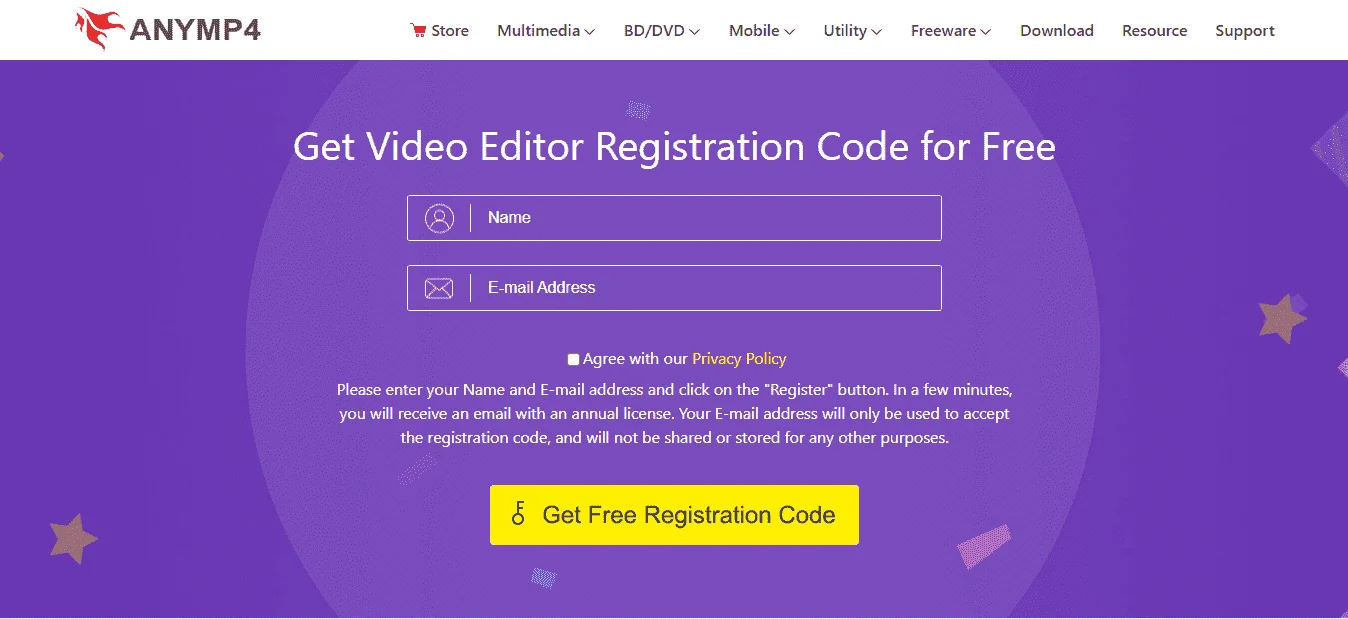
- Go to the registration page by ANYMP4.com > You do not have permission to view the full content of this post. Log in or register now.
- Fill in the form with your name & email address, then check on 'Agree with our Privacy Policy'.
- Click on the REGISTER button to finish the registration.
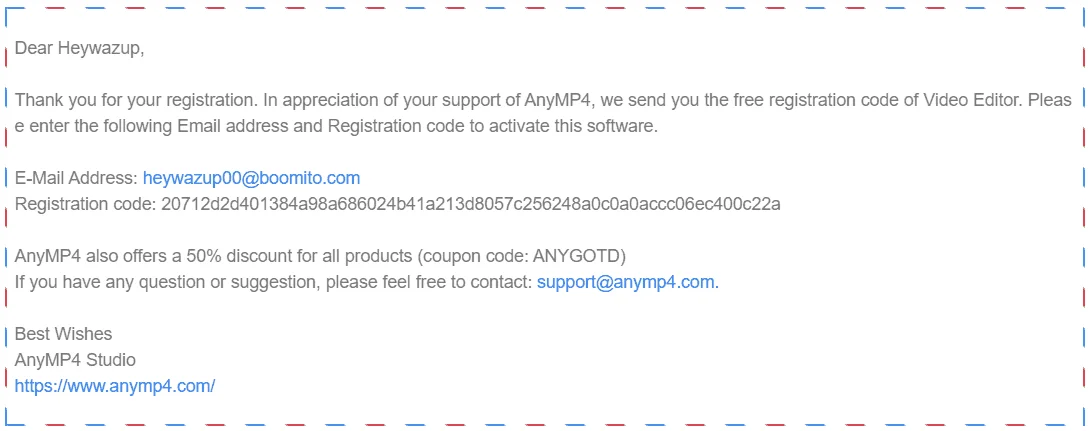
- The registration detail including the registration code will be sent to your email address.
- Download the software from this page above (on the download section).
- Once downloaded, Install it & launch the software after installation.
- Use the registration code you've got to activate the full features.
- Done. Enjoy the full features!.
- Terms
- Software Version: V1.0.16
- 1 License valid for a year for 1 PC
- No Free Lifetime Updates
- No Free Technical Support
- Personal use only
- License Can't be re-used if you uninstalled & re-install it before license expire