 PH
PHTipard Screen Capture
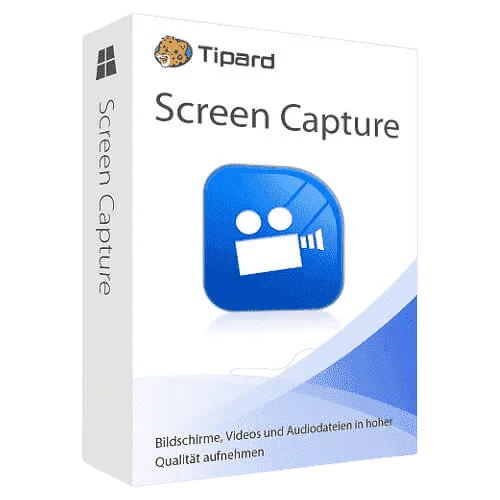
Easiest Tool to Capture & Record Your Desktop Screen in High-Quality
Tipard Screen Capture is the desktop recorder, which can output users 100% original quality media files. This screen recorder can give users an easier and cleaner interface to apply. All icons are easy to find. As for screen capture tools here, you can get many free spaces to operate. The 4K UHD video formats, 4K UHD encoding, HD video, SD video and audio formats here vary in the wide range. You can also output recorded videos and audios in popular types, in several choices.
Features
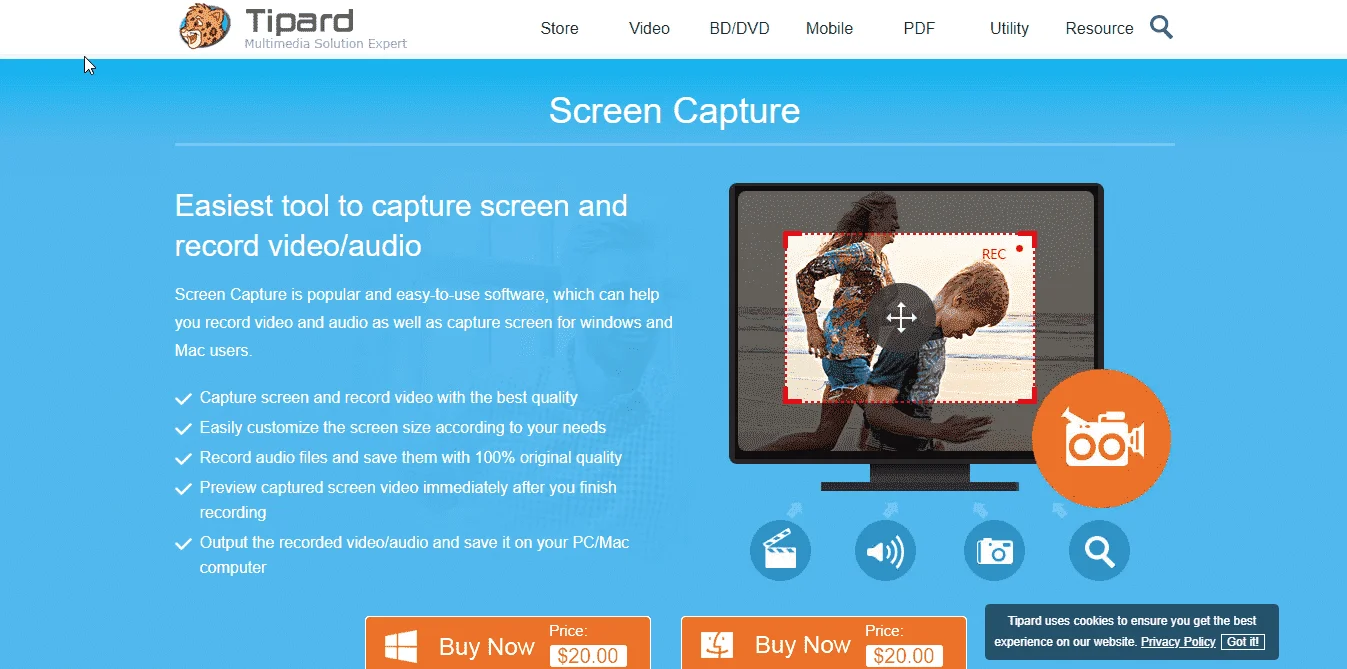
Key Features of the Screen Capture program:- Record video and capture screen in high quality
- Save Recorded Video files like MP4, WMV, MOV, F4V, TS, AVI, Gif
- Record audio in High quality from any source
- Save recorded audio files as MP3, AAC, M4A or WMA
- Set capture time and cursor
- Show cursor, highlight cursor, change the color of the cursor, even highlight clicks and more.
- Preview your video after finishing capturing

Instructions:
- Giveaway link: You do not have permission to view the full content of this post. Log in or register now. | You do not have permission to view the full content of this post. Log in or register now.
- Enter your Name and E-mail address and click on the “Submit” button.
- In a few minutes, you will receive an email with a Tipard Screen Capture annual license.
- Download and install Tipard Screen Capture on your PC > You do not have permission to view the full content of this post. Log in or register now.
- Open and activate the software by your email address and license code
- Enjoy it for free!
- This is a 1-year license for 1PC
- Non-commercial use
- No free updates
- No free tech support
- Register before this offer has ended
