PH
PH
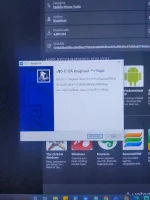
1. Install Kingo Android Root
2. Enable USB Debugging (Setting > About > Developer Options)
3. Run The Kingo Android Root And Connect You Phone To Your Computer (Via USB).
4. After A Moment, The Former
Will Show A Connection To The Latter.
5. Click Root And Wait For Processing To Be Finish. All The Process Will All Take About Two Minutes.
 If you Don't Like The Change You Can Go All The Way Back And Click Unroot
You do not have permission to view the full content of this post. Log in or register now.