PH
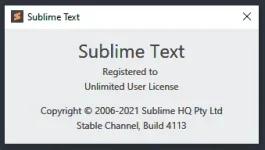
PHPermanent Sublime Text 4 for Build 4113
Requirements:
1. Download Sublime Text 4 (Build 4113) from here: You do not have permission to view the full content of this post. Log in or register now.
2. Install it to your windows machine
3. Download this zip file:
You do not have permission to view the full content of this post. Log in or register now.
4. Extract then move sublime_text.exe to your sublime install location and replace the old sublime_text.exe
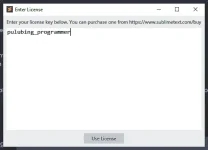
5. Start sublime, then go to Help > Enter License then enter this in the input area: pulubing_programmer
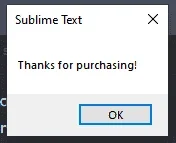
6. All done! Enjoy coding
Virus Total: You do not have permission to view the full content of this post. Log in or register now.
Requirements:
- Windows (x64)
- Sublime Text 4 (x64)
1. Download Sublime Text 4 (Build 4113) from here: You do not have permission to view the full content of this post. Log in or register now.
2. Install it to your windows machine
3. Download this zip file:
You do not have permission to view the full content of this post. Log in or register now.
4. Extract then move sublime_text.exe to your sublime install location and replace the old sublime_text.exe
5. Start sublime, then go to Help > Enter License then enter this in the input area: pulubing_programmer
6. All done! Enjoy coding
Virus Total: You do not have permission to view the full content of this post. Log in or register now.