 PH
PHOffice Tools Plus: Automatically Install and Activate any Office Product
FEATURES:
INSTRUCTIONS:
DISCLAIMER:
I am not the developer of this program, And shall not be liable to any damage done to your system. Do this at your own risk.
I share this as a safer alternative to downloading the Office ecosystem from file share sites that may contain malicious payloads within.
SCREENSHOTS:
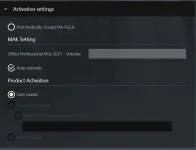
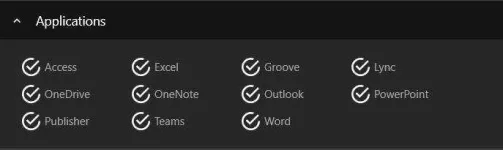
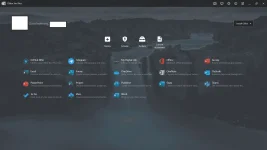
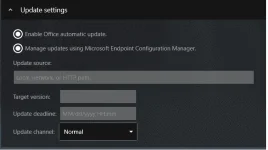
FEATURES:
- Supports ANY Office Product including Office 2021
- Legitimate downloads from Microsoft Servers, Guaranteed free from viruses. (Walang Palaman)
- Supports 32 bit or 64 bit Windows
- Automagically Activates chosen Office product so you don't have to.
- Can uninstall existing Office apps to avoid incompatibility, errors and redundancies
- Supports automatic Updates
INSTRUCTIONS:
- Download and extract latest zip from You do not have permission to view the full content of this post. Log in or register now.
- Open Runme.bat and wait for 3 seconds
- Authorize the app in firewall
- Click Install Office in the main menu and choose your Office Product
- Select YES for automatic download and install or no to Configure Manually
- After Installation, reboot PC and Profit!
DISCLAIMER:
I am not the developer of this program, And shall not be liable to any damage done to your system. Do this at your own risk.
I share this as a safer alternative to downloading the Office ecosystem from file share sites that may contain malicious payloads within.
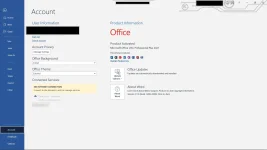
SCREENSHOTS: