 PH
PHHow to Get Any eBook you want in Just 2 Simple Steps
Bookmark niyo na
Steps
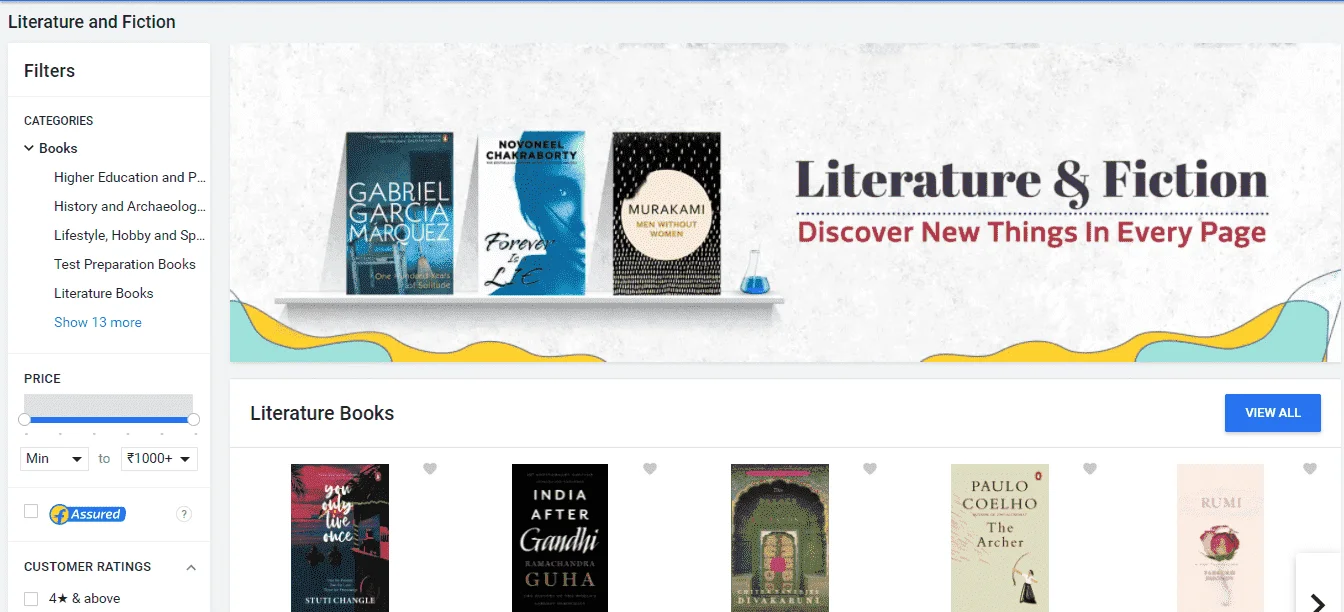
- First of all, go to the sites like Amazon or Flipkart or any websites and search for the book that you want to read.
- Copy the name of the book and paste it in Google or if you know the exact name of the book just write it on Google.
- After writing the name of the book add space and write
doctype.pdfand hit search. - The direct download link will be somewhere at the top of the page just tap it and your eBook is ready to read.
Sample
You do not have permission to view the full content of this post.
Log in or register now.
You do not have permission to view the full content of this post. Log in or register now.
You do not have permission to view the full content of this post. Log in or register now.
Alternative Sites
There are other sites also which provides free eBooks of more than 10million different eBooks of almost every genre. if you didn’t find an eBook on the above method try these alternatives:
- Library Genesis -You do not have permission to view the full content of this post. Log in or register now. (Note: sometimes it does not open in google chrome then use another browser like opera mini.)
- Open library -You do not have permission to view the full content of this post. Log in or register now.
- Project Gutenberg -You do not have permission to view the full content of this post. Log in or register now.
