 PH
PHApplication of themes
Note: you'll need citra-mmj version 20210316 or higher to have theme support
MHW EDITION
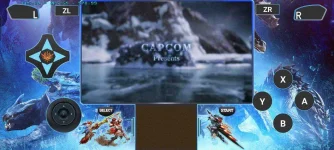
You do not have permission to view the full content of this post. Log in or register now.
ctto
Just download the theme which is usually in a .zip package
Rename it to default.zip and move it to this path: internal storage>citra-emu>theme(first delete the stock default zip in that directory)
Restart citra and you should see your theme
Note: you'll need citra-mmj version 20210316 or higher to have theme support
MHW EDITION
You do not have permission to view the full content of this post. Log in or register now.
Spoiler contents are visible only to Established Members.
ctto
