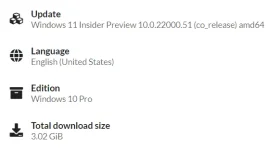
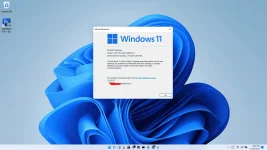
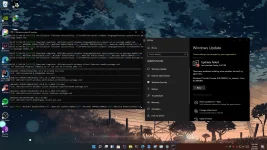
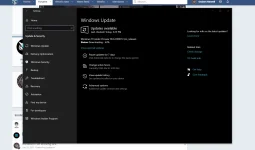
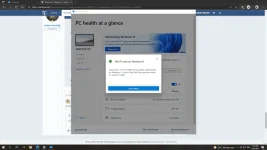
🔗 Direct Link Windows 11 Pro: Insider Preview OS Build 10.0.22000.51 64bit only | LATEST!

Status
Not open for further replies.

banong_gang

Eternal Poster
1624947540422.png


1624954273810.png


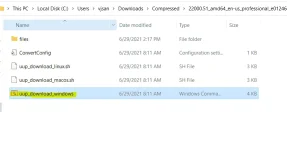
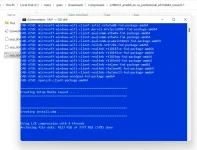
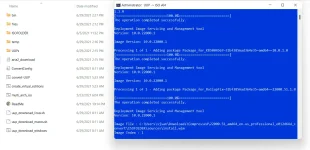
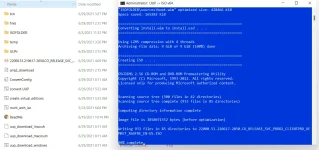
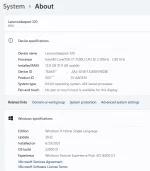
Update: Windows 11 Pro ISO File
You do not have permission to view the full content of this post. Log in or register now.


HOW TO BYPASS TPM 2.0 (Para sa mga hindi supported na computer)
1. Download the Win11 Pro ISO Above and download the source.zip,
2. Gamit ang rufus ay restore sa USB ang ISO
3. Extract ang laman ng source.zip at e-drag(replace) lahat ng files sa loob ng USB > Sources folder

Then try it out sa mga hindi supported ng TPM 2.0 na computer.
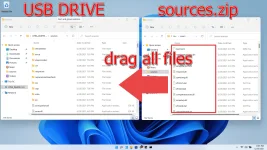
1624968629995.png


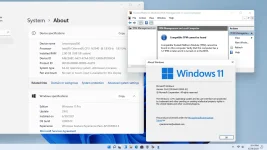
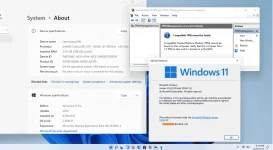
Tried and tested 100% sa walang TPM ko na laptop na lowend
1624972684133.png
1624972635868.png

1624947488124.webp 1624947636479.webp 1624949218670.webp 1624954189617.webp
 
ah, nice ts, ganyan din gagawin ko eh hehe, although naka win11 nako kaso yung leak version, nung na try ko i updgrade to win 11 insider preview ayaw sya, kasi di naka secure boot at wala akong tpm, kaya gagawin ko nian, tweak ko nanaman yung iso file ng win 11 insider build para pwede ulit sa tpm then upgrade nlg..

1624957592891.webp
 
Status
Not open for further replies.

Similar threads

About this Thread

  • 72
    Replies
  • 2K
    Views
  • 34
    Participants
Last reply from:
PapiChoco

Online now

Members online
413
Guests online
887
Total visitors
1,300

Forum statistics

Threads
2,275,099
Posts
28,960,643
Members
1,233,594
Latest member
baam
Back
Top