PH
PHZero-Copy Rasterization (Desktop/Android)
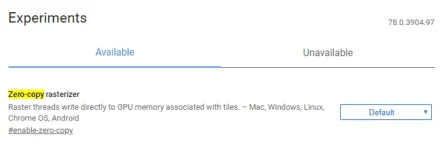
There are a few things you can do with rasterization through Chrome flags, but one of the best is zero-copy rasterization where writers raster streams straight to your GPU memory (or VRAM), which can work faster than using your regular RAM (particularly if you have 4GB or less RAM on your PC).This can be particularly helpful on mobile devices, with the potential to reduce battery usage when you browse the Web.
Enable Parallel Downloading
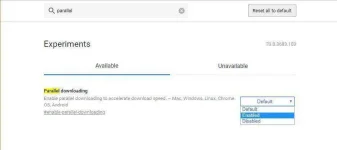
There are several features of Chrome Flags that can speed up your browsing, many of which are enabled by default. One such feature, which specifically speeds up your downloads, is “Parallel downloading,” which splits each file you download into three separate jobs, speeding up the whole process.To enable it in Chrome flags, type parallel downloading, click “Default” when it appears in the list, then click “Enable.”