PH
PH
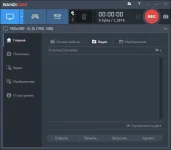
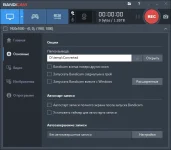
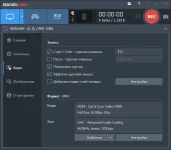
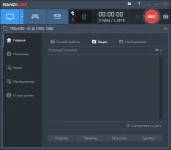
Bandicam is one of the best (if not the best) programs for capturing images from desktop and DirectX / OpenGL applications (games). With its help, you can efficiently and conveniently record everything that happens on the screen, add an image from a webcam, and audio tracks (for example, from a mixer and a microphone) can be saved separately for further processing. Acceleration with AMD, NVIDIA and Intel graphics chips is supported. What is noteworthy is that the recorded files are small in size with excellent quality. I use it myself and recommend it to everyone.
What's New :
What's New :
- You do not have permission to view the full content of this post. Log in or register now. 5.1.0 03/23/2021 The .mp3 codec is now available with an .MP4 container.
- Improved the audio stuttering issue. Added auto recording and scheduled recording tips link.
- Added command line parameters (/ start, / screenshot, / pause, / unpause) Improved security of Bandicam related to DLL Hijacking.
- Improved the compatibility with OBS VirtualCAM in Device Recording Mode.
- Bugs fixed The size of the rectangle window was displayed incorrectly if the recording size was changed after using the 'Show / Hide (Ctrl + Alt + H)' option.
- Bandicut could not be installed from within Bandicam. Other minor bugs have been fixed.