 PH
PHDeskPins
DeskPins can be used to make any application topmost, that is, to keep it above all other windows. Just grab a pin from the DeskPins icon in the system notification area and click on any window. This functionality is identical to the "Always on Top" setting found in some programs. With DeskPins you can add this feature to any program.Features
- Unlimited number of pins available.
- Intelligent handling of various application types.
- Powerful wildcard-based automatic pin support.
- Global hotkeys.
- Negligible system resources usage.
Requirements
- Windows 8, 7, Vista, XP, 2000, 9x.
- You do not have permission to view the full content of this post. Log in or register now.. This a common library and will probably be already installed in your system. Check Programs and Features in the Control Panel for a relative entry (any version starting with 9.0.30729).
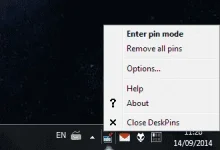
Notification icon menu.
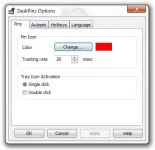
Pins options.
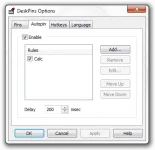
Autopin options.
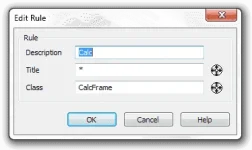
Autopin Rule options.
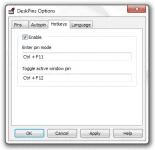
Hotkeys options.
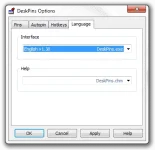
Language options.
You do not have permission to view the full content of this post. Log in or register now.