PH
PHPHC-newbee
Eternal Poster
This is how it's done.
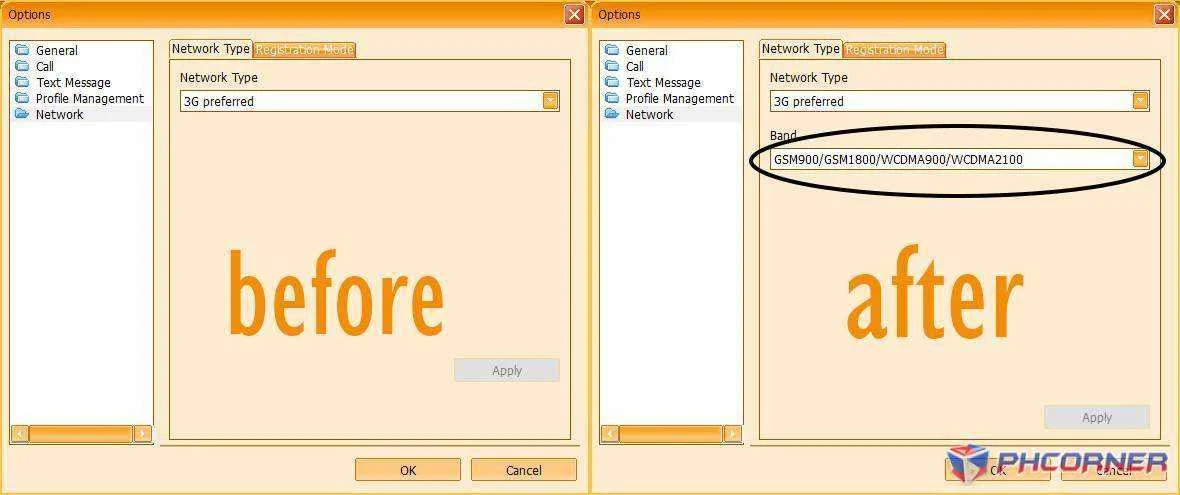
Follow this step:
Proceed to "C:\Program Files (x86)\Globe Tattoo Broadband\plugins\NetSettingPlugin"
Right click "NetSettingConfig"
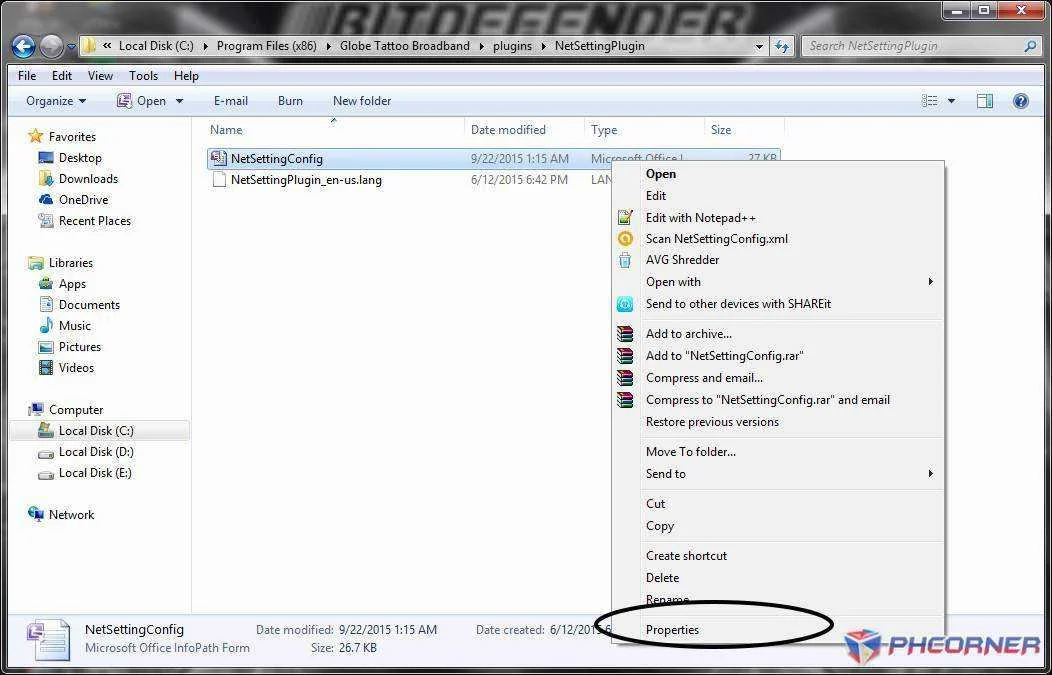
Click properties then uncheck "Read only" checkbox as shown
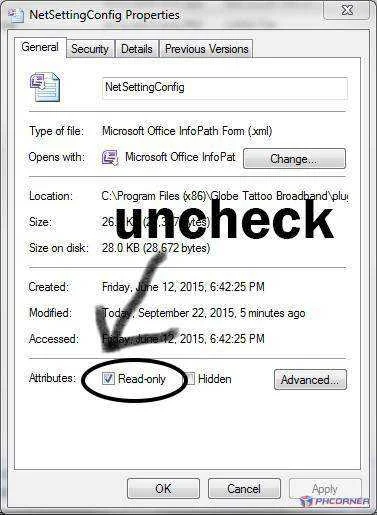
Click Apply then Right click again the NetSettingConfig and edit
this file using your favorite editor(e.g Notepad++).
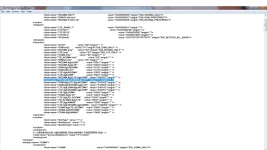
Proceed to line 57 and change it's value to "1"
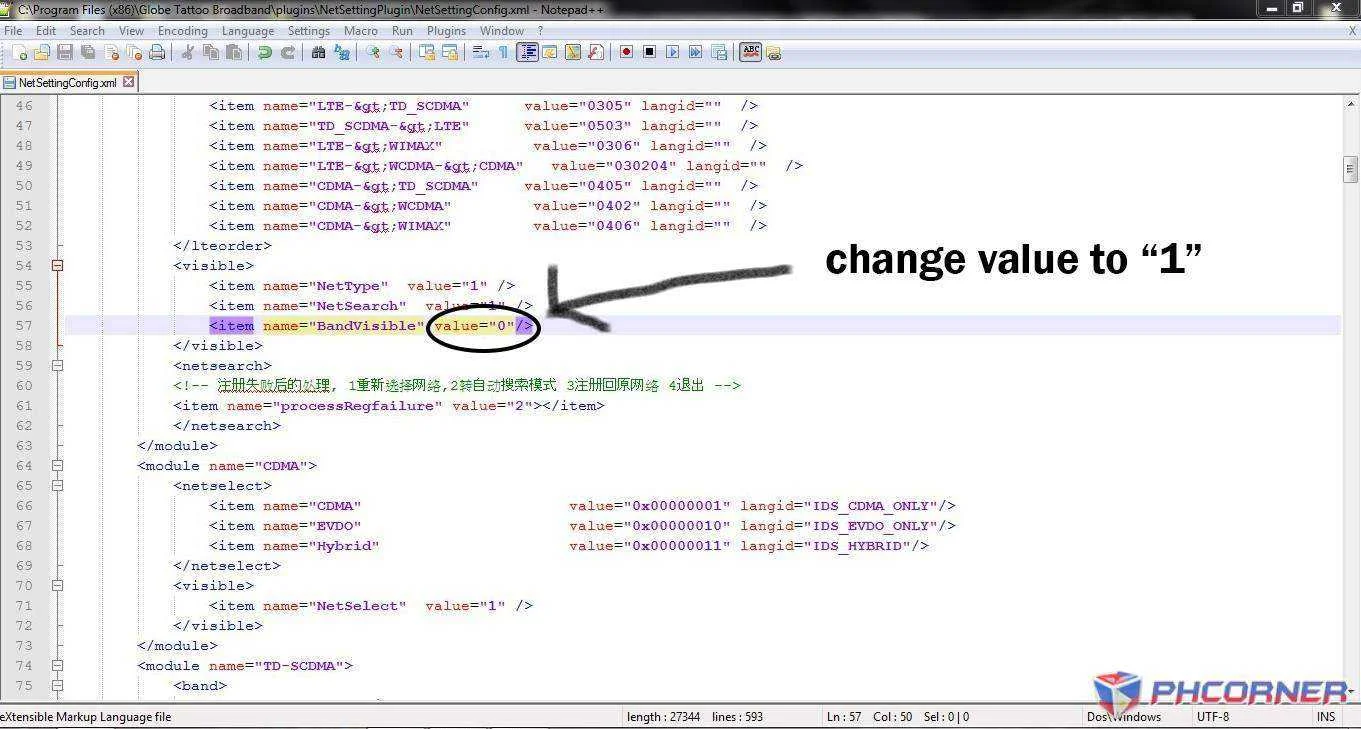
Save it and your done! You will now see band selection on your Huawei E357 dashboard.
Follow this step:
Proceed to "C:\Program Files (x86)\Globe Tattoo Broadband\plugins\NetSettingPlugin"
Right click "NetSettingConfig"
Click properties then uncheck "Read only" checkbox as shown
Click Apply then Right click again the NetSettingConfig and edit
this file using your favorite editor(e.g Notepad++).
Proceed to line 57 and change it's value to "1"
Save it and your done! You will now see band selection on your Huawei E357 dashboard.