PH
PHROMMEL_CERILO
Journeyman
THANKS LODS
welcomeSalamat msster
geh papsO wow ma try ko nga code veronica dko talaga natapos to feedback later lods ty
Salamat ng marami master0.Install the REDREAM apk first
1.Download the game
2.Extract the game you download..Create ka ng folder na kung saan mo ilalagay ung na extract mong game.
Example:
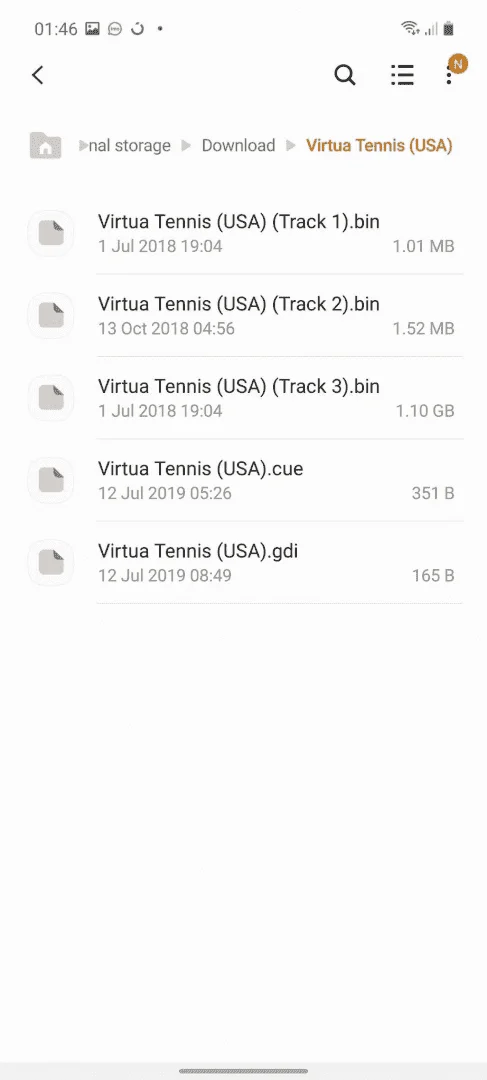
3.Open your REDREAM apps
4.Go to LIBRARY..hanapin niyo lang kung saan directory or folder mo na extract ang games
Example:
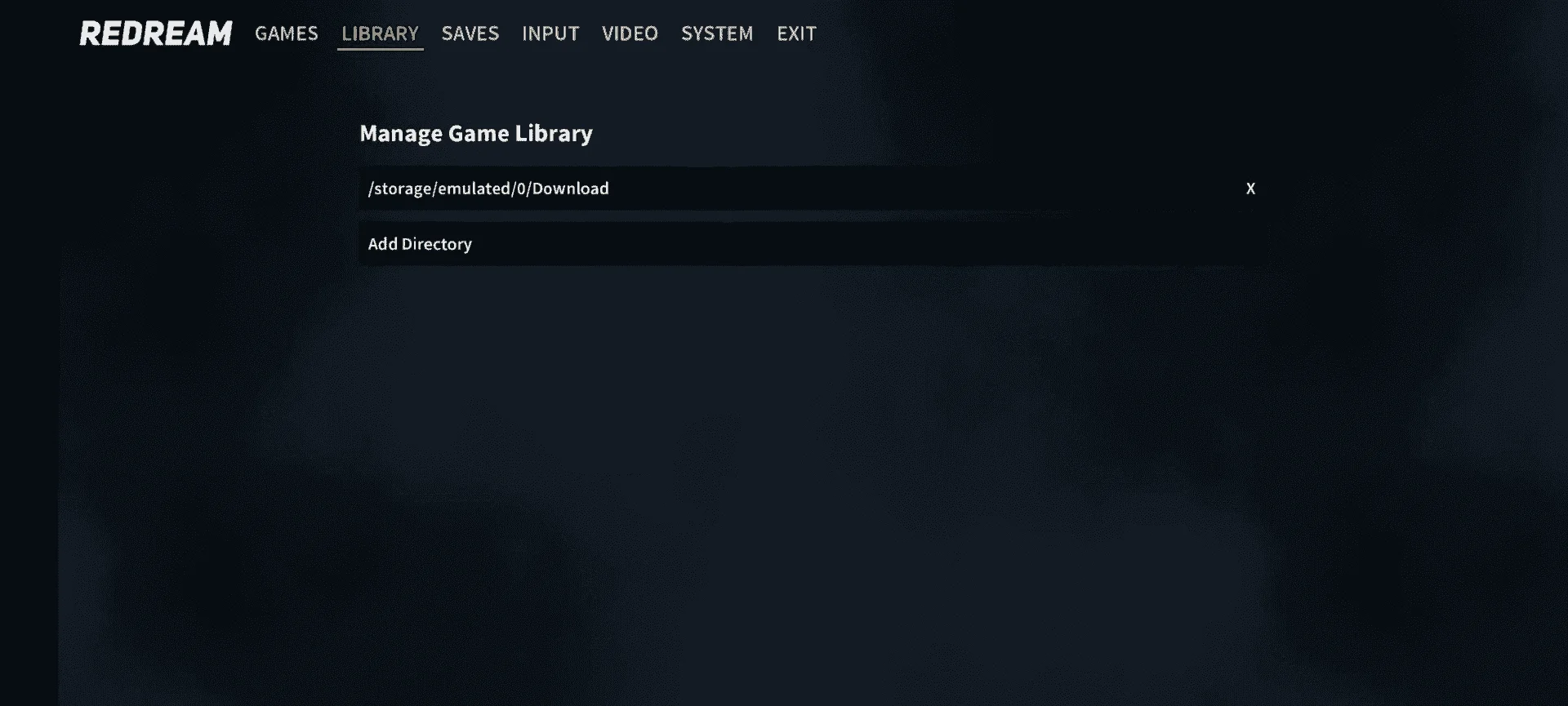
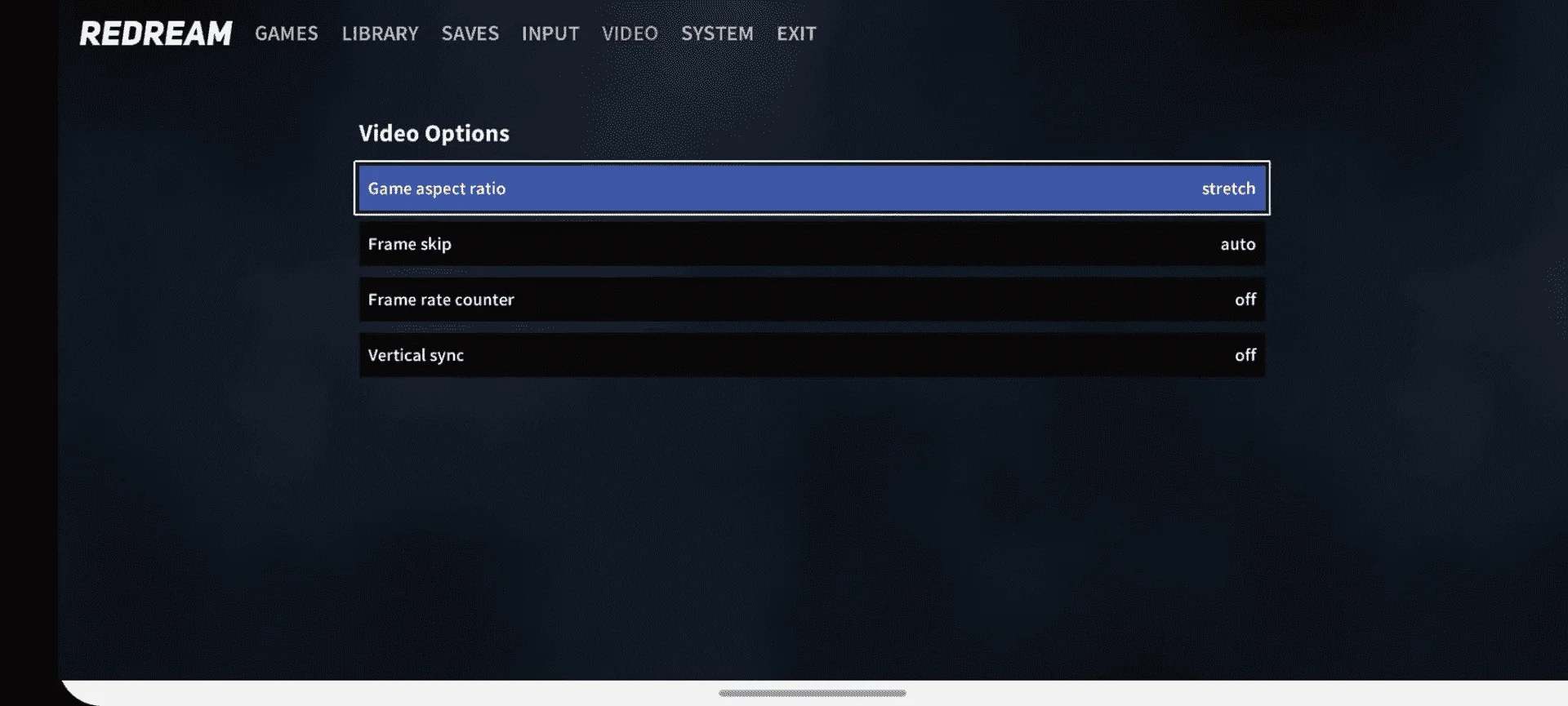
5.After that go to Video Tab change Game aspect to stretch for make it full screen
Example:
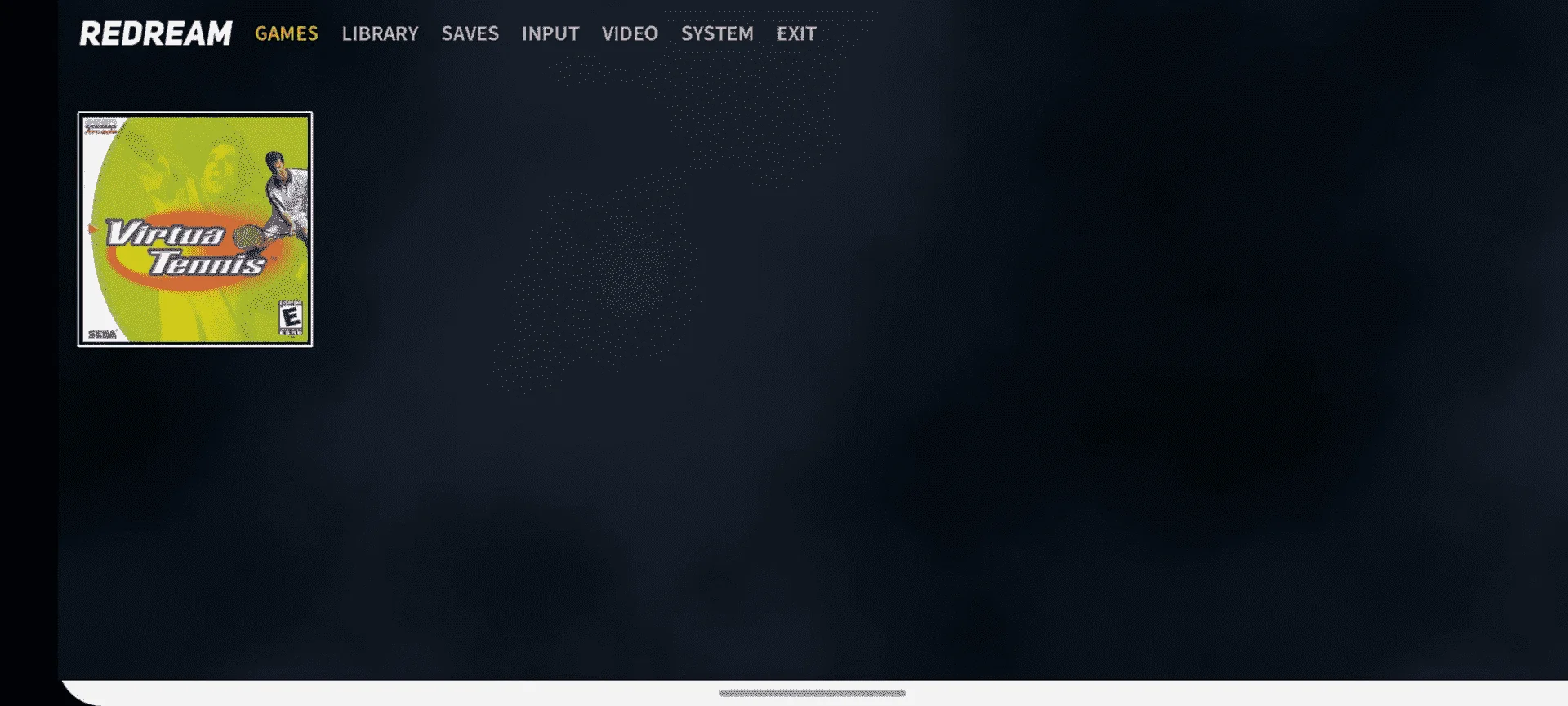
6.Go to Game Tab
Example:
7.Enjoy the game
welcome broSalamat ng marami master
welcome poSalamat paps
welcome pouy ayus to ah, Dreamcast parang PS1 (wannabe), Thanks TS