 PH
PH
dahil maraming nag tatanong eto na tutorial pano mag import ng cookie
Requirements:
Google Chrome Browser
Cookie-editor extension
(pc only)
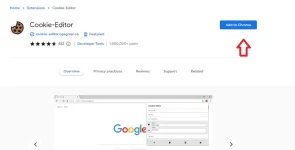
Add the cookie-editor extension sa Google browser nyo.
Then, pag na-add nyo na, punta kayo sa homepage ng Netflix and you'll see the extension icon at the top right ng browser nyo
and pin the "cookie-editor" then pindutin nyo na

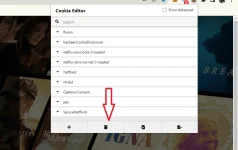
Click the trash can icon first, and then click the import button and paste your cookie.
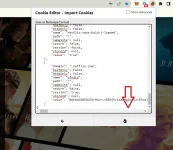
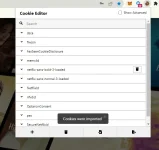
Press the import button. Pagtapos nyan, refresh the page na walang ginagalaw.
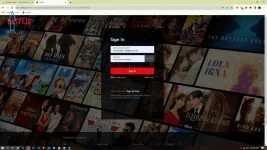
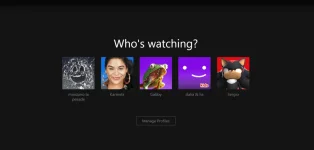
That's it!
for phone/smart tv/tablet
1. same method lang din po2. download kiwi browser sa phone nyo
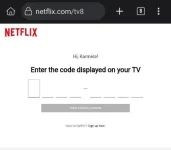
3. go to Netflix.com/tv8 and type the code number na lalabas sa smart tv nyo
Enjoy watching, and thanks for the support lovelots!

