PH
PHHow to use cookies (para sa mga hindi pa alam)
Step 1: Go to
You do not have permission to view the full content of this post. Log in or register now.

Step 2: Search for cookies editor

Step 3: Install the second one:
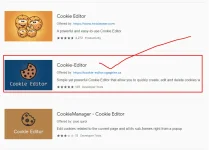
Step 4: Click on add to chrome

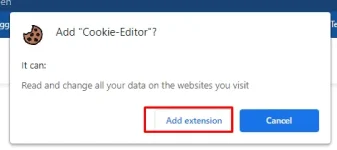
Step 5: You will see a popup. Click on add extension
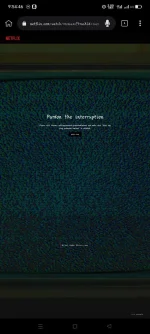
Step 6: Go to the site in which site you want to use cookies. sample lang Netflix
Step 7: After going to that site click on cookies editor extension icon.
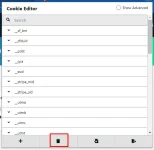
Step 9: After deleting click on the import button
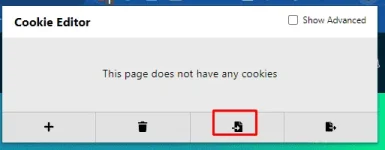
Step 10: Now paste your cookies in the text box and click on import.
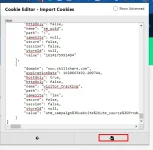
Last step: Now reload the page and enjoy this awesome feature.