 PH
PHBossing_Hobo
Established
Tools Needed:
Browsers:
⚠IMPORTANT: Make sure you turn off your windows defender before downloading (it might delete some of the important game files). ⚠
PS: Make sure naka off anti virus nyo bago mag download and while installing

Browsers:
- Firefox
- Ublock
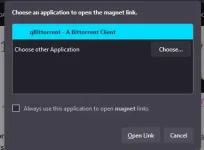
- qBittorrent
Step 1
Go to the official Fitgirl repacks site: You do not have permission to view the full content of this post. Log in or register now. (Copy and paste into the URL address bar)
Step 2
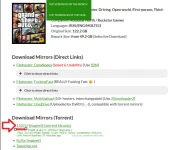
Search for the game you want.Step 3
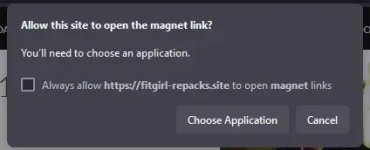
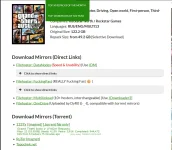
Click on the magnet link.⚠IMPORTANT: Make sure you turn off your windows defender before downloading (it might delete some of the important game files). ⚠
Step 4
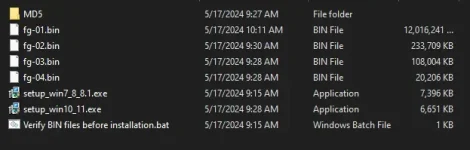
After you have successfully downloaded the game files, run the setup.exe file (in this case, I am using windows 10, so I'll click on "setup_win10_win11.exe"). After the installer pops up, just follow through; even a baby can do that!Step 5
Play the game and enjoy!PS: Make sure naka off anti virus nyo bago mag download and while installing


