PH
PH
Tired of bings stupid completions paused when tab was switched?
Credits to Xtekky
Requirements:
Pc/mobile phone with termux
install python 3.10+
Deployed here: You do not have permission to view the full content of this post.
Log in or register now.
Feel free to use.
Deployed here: You do not have permission to view the full content of this post. Log in or register now.
Feel free to use.
Running GPT4FREE GUI
Open CMD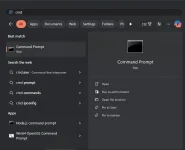
run:
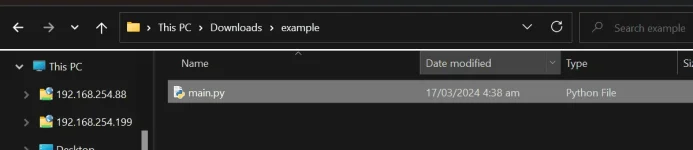
pip install -U g4f[all]Create folder anywhere on your c:/ drive
eg: downloads
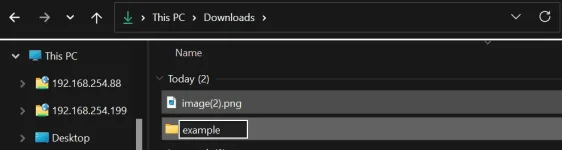
create
[B]main.py[/B] inside it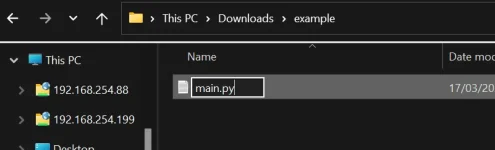
edit main.py
copy, paste the code below and save
Python:
from g4f.gui import run_gui

from g4f.cookies import set_cookies
set_cookies(".bing.com", {
   "_U": "bing cookie"
 })

run_gui()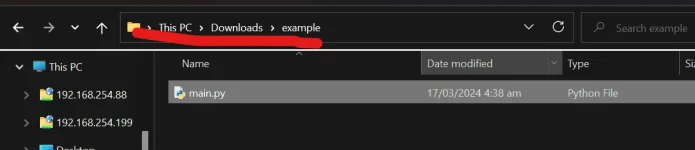
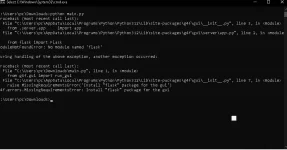
type cmd
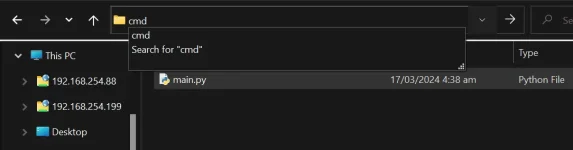
type
python main.py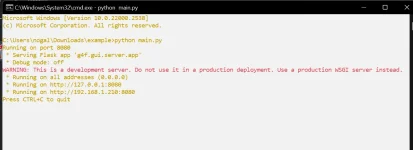
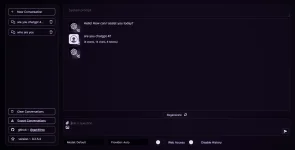
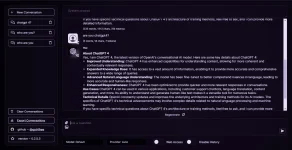
Navigate to your Browser and navigate to the local address server shown in cmd
You do not have permission to view the full content of this post. Log in or register now.
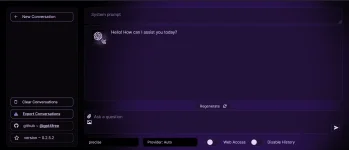
Getting cookie value from bing.com or copilot.microsoft.com
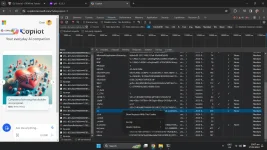
Navigate to copilot.microsoft.com any browserSign in your microsoft account, get _U cookie value
Navigate to network Tab
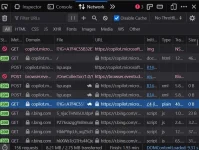
look for link with l? url click it
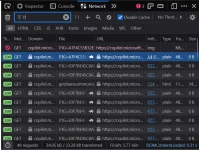
go to cookie tab
and copy the value of
_U:key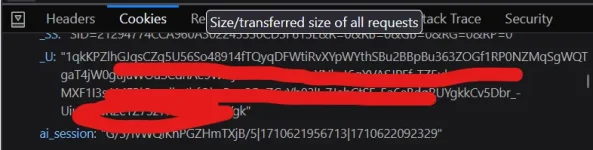
paste in you main.py
Python:
set_cookies(".bing.com", {
   "_U": "
1qkKPZlhGJqsCZq5UxxxxxxxxxxxxxxxxxxxxxxXXXXXXXXXXXXXXxxxxxxxxx-"
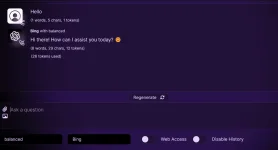
 })
You do not have permission to view the full content of this post. Log in or register now.
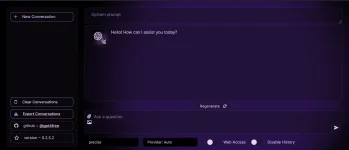
latest g4f or gpt4free, para mapadali sa user using bat files.
1. create a bat file to for venv and activation
2. create bat to install requirements
3. creqte bat to run the gui
4. create bat file to open link in browser Pero para mapadali, ito yung crude run-g4f. bat na simple at ayos naman to execute:Sorry at hanggang dyan lang muna yung kaya ko't inabot na pala ako ng 1:30AM para magpa-antok. Di ko rin ma-include yung opening the client window to the browser dahil tumitigil siya after 4th step, kaya gawa na lang sila siguro ng isa pang separate open-client.bat using this command:Code:@echo off :: Create a virtual environment named 'venv' python -m venv venv :: Activate the virtual environment call .\venv\Scripts\activate :: Install requirements from requirements.txt pip install -r requirements.txt :: Run the specified Python module python -m g4f.gui.runSa 2 bat files or 2 clicks to run gpt4free, pwede na yan kaysa mag-type ka pa or copy paste method he he. Improve nyo na lang or hanap kayo ng magagaling sa batch programming.Code:start "" http://127.0.0.1:8080/chat/