PH
PHAntonetteFelix
𝓐𝓹𝓹𝓻𝓮𝓬𝓲𝓪𝓽𝓮
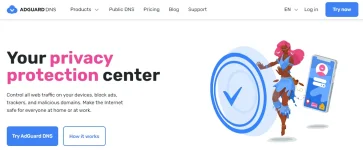
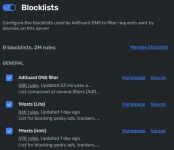
Alam niyo ba na meron pang additional security yung private DNS ni Adguard? "dns.adguard.com".
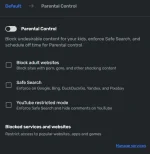
"Pwede niyong ilagay ito sa mga lumang devices na hindi na updated ang security at sa mga bata para malaman kung ano yung mga ginagawa nila sa internet upang ma block ang mga sites na hindi angkop sa edad nila."AdGuard DNS is a free Domain Name System (DNS) service that offers an alternative to your default DNS provider. DNS is responsible for translating human-readable domain names (like You do not have permission to view the full content of this post. Log in or register now.) into IP addresses that computers can understand.
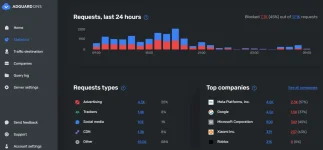
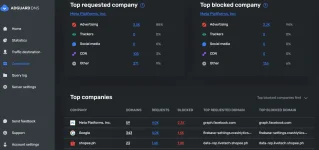
AdGuard DNS is designed to block ads, trackers, malicious websites, ãdül† content, Social Media Widgets and protect your privacy while you browse the internet.
Link : You do not have permission to view the full content of this post. Log in or register now.
~~~~~~~~~~~~~~~~~~~~~~~~~~~~~~~~~~~~~~~~~~~~~~~~~~~~~~~~~~~~
Note:
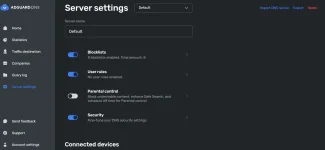
5 Devices lang ang pwedeng ilagay sa isang account.
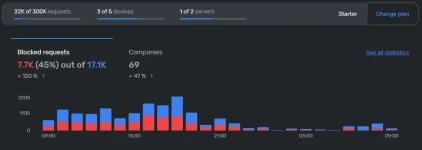
May limit ang pag-block nito na hanggang 300k per month kada isang account.
Hindi niya lahat ma-bblock yung mga ads, mababawasan lang
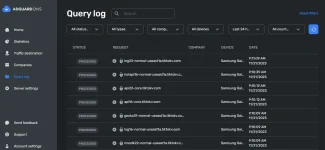
Sample picture:
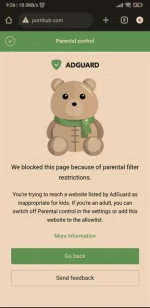
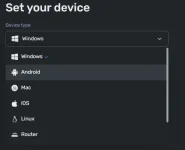
Installation guide nasa site na mismo, comment lang pag hindi gets yung installation guide.
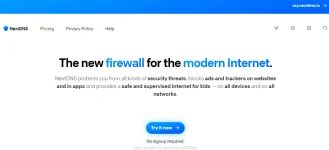
Other Private DNS na katulad nito ay NextDNS at Cloudflare, pili ka lang kung ano yung mas prefer mo.
NextDNS:
Cloudflare: