PH
PHHello Guys,
May alam po ba magsetup ng dual monitor display dito?
May need po bang configuration? O may need i-install?
Eto po specs ng PC ko:
Processor: AMD Ryzen 7 3700X 8Core Processor (16CPUs), ~3.6GHz
RAM: 16Gb
GPU: NVIDIA GeForce GTX 1050Ti (4GB)
(supported multi-display as per nvidia website)
Monitor: N-Vision (24" - semi curved)
Ano po ang inyong mapapayo...SALAMAT PO!
May alam po ba magsetup ng dual monitor display dito?
May need po bang configuration? O may need i-install?
Eto po specs ng PC ko:
Processor: AMD Ryzen 7 3700X 8Core Processor (16CPUs), ~3.6GHz
RAM: 16Gb
GPU: NVIDIA GeForce GTX 1050Ti (4GB)
(supported multi-display as per nvidia website)
Monitor: N-Vision (24" - semi curved)
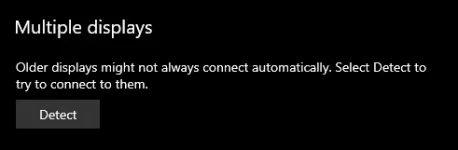
- Naka HDMI connected to GPU, pero nung magsaksak ako another monitor di makita sa multi-display settings.
- Binilhan ko na din HDMI converter ayaw pa din.
Ano po ang inyong mapapayo...SALAMAT PO!