PH
PHStep 1, Download Driver Booster 7, and then install it on your PC.
Step 2, launch it, and then register it with the following steps:
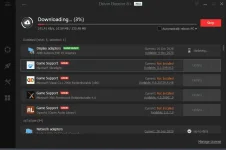
Run it. After “Scanning” automatically, click the “Key” like button and enter the following license code to register this software.
CODE:
2644C-A875A-B5EFB-BB348
A96C5-26928-80D69-5DE48
FF9F8-BE53E-5F963-A4948
Step 2, launch it, and then register it with the following steps:
Run it. After “Scanning” automatically, click the “Key” like button and enter the following license code to register this software.
CODE:
2644C-A875A-B5EFB-BB348
A96C5-26928-80D69-5DE48
FF9F8-BE53E-5F963-A4948