 PH
PH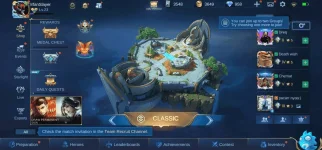
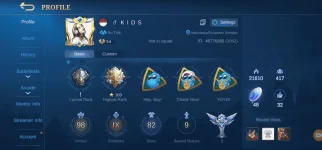
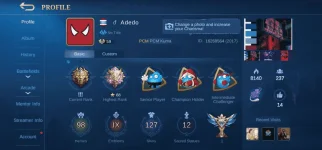
MOBILE LEGENDS NEW HITS OCTOBER 17, 2020 USA TIME.
I'M NOT RESPONSIBLE IF YOUR ACCOUNT IS ON THE LIST.
You do not have permission to view the full content of this post. Log in or register now.
Accounts for Non-500 Post Users:
PDF Mobile Legends Compilation Accounts
PDF Link:
You do not have permission to view the full content of this post. Log in or register now.
NOTE:
1. Login Using Moonton. [Hindi po Vk, Google Play or Facebook]
2. Don't use App Cloner minsan hindi gumagana sa Moonton.
3. Lahat ng mga accounts na ito ay na-i-check na working on the given date.
Para sa nagtatanong kung paano tangalin ang Banned account sa ML (Log out):
ANDROID:
1. Rename com.mobile.legends folder ex. com.mobile.legends1
Matatagpuan sa Android > data > com.mobile.legends
2. Goto Settings > Apps > Mobile Legends (clear data ML)
3. Also Clear Data Google Play Service.
4. Rename back the com.mobile.legends1 to the original data name com.mobile.legends
5. Start ML and your good to go.
IOS:
1. Uninstall ML.
2. Goto Settings > Privacy > Advertising > Reset Identifier
3. Install Back Mobile Legends.
Another Note: I'M NOT RESPONSIBLE OF ANY ACCOUNTS WHO ARE häçkED OR LEAKED!
These accounts were leaked thru using MAP häçkS, RANK BOOSTER VPN'S, PHISHING CLICKBAIT SITES, etc.
To Avoid this kind of Leaks Check if your email has been breached here: You do not have permission to view the full content of this post. Log in or register now.
Stay safe! Don't use Map häçk, Rank Booster VPN, to avoid these kind of issues.
SUPPORTERS: PEPPA PIG TELEGRAM GROUP [ MOONTON DROP HITS GROUP ]

