 PH
PHI'm not influencing this kind of tutorial as this is for educational purposes only.
1. Go to any stock websites (Shutterstock)
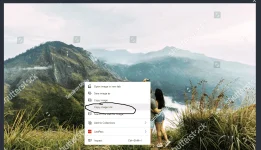
2. Right Click the image and copy the image link
3. Go to google.com select images
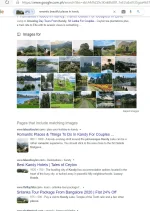
4. Paste the image link
5. This is not 100% accurate.
Note: As a designer like me, this is a bad practice if you're working with your clients. There are a bunch of Royalty-free stock images and websites you can download.
1. Go to any stock websites (Shutterstock)
2. Right Click the image and copy the image link
3. Go to google.com select images
4. Paste the image link
5. This is not 100% accurate.
Note: As a designer like me, this is a bad practice if you're working with your clients. There are a bunch of Royalty-free stock images and websites you can download.
 Minsan ginagamitan ko din ng "search Google for image" haha