 PH
PH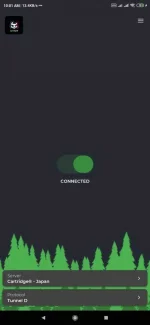
The repository management is available on version 2.3.0
Download v.2.3.0
Playstore Download (Subscribe to beta):
You do not have permission to view the full content of this post. Log in or register now.
Direct Download:
You do not have permission to view the full content of this post. Log in or register now.
After installing open tcat app click 3 lines upper right click settings then toogle on repo input this custom username repo @Cartridge click ok then scroll down toggle on force reconnect if your going to use noload then press back in tcat home click server down buttom then click 3 dots upper right then click refresh (dapat may data/net ka muna para ma load mo yung server).
••••Cartridge® NoLoad Tcat Config••••
- My Repository: @Cartridge
- Import Any Repository Supported
- Dont Forget To Toggle On Force Recon
Server Protocols Info:
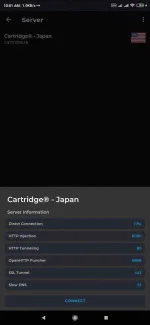
Note: Toggle off force recon if gagamitin mo lang for bypassing promo.
Cartridge



