PH
PHsuperla2020
Enthusiast
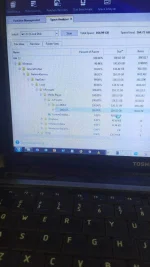
Good day. Does anyone here knows how to easily delete files in Windows 7 localMLS? It has taken over 116GB of storage because I forget to disable the windows media player sharing option from collecting these data when connected to the internet. I tried deleting it while my laptop is in safe mode but it took almost 2 hrs just to delete only over 60MB. I've tried it in normal windows explorer but is becomes "unresponsive".
Hoping someone here can help me. Thank you in advance mga sir/ma'am.
Hoping someone here can help me. Thank you in advance mga sir/ma'am.