MICROSOFT OFFICE 2019 LIFETIME ACTIVATION

this script will activate your office but not permanent coz this is just activated via kms server. 180 days lang tagal you need to rearm every 180 days to continue using. to check the status of you installed ms office product:
1. run cmd as administrator
2. goto C:\Program Files (x86)\Microsoft Office\Office16 for Office 2016 and Office 2019 (32bit installation)
C:\Program Files\Microsoft Office\Office16 for Office 2016 and Office 2019 (64bit installation)
3. run "cscript ospp.vbs /dstatus" to check the status. done
 
You can check this way if activated ba talaga for lifetime yan. Mostly 180 days lang...

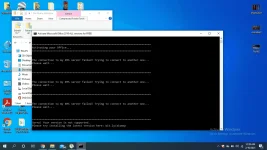
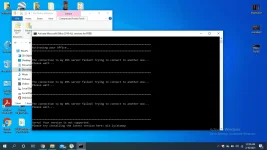
>> run cmd as admin

type command: cd C:\Program Files\Microsoft Office\Office16

then type another command: cscript ospp.vbs /dstatus
 
1612888801419.webp
 

Similar threads

About this Thread

  • 237
    Replies
  • 32K
    Views
  • 173
    Participants
Last reply from:
mjtronics23

Trending Topics

Online now

Members online
717
Guests online
997
Total visitors
1,714

Forum statistics

Threads
2,278,397
Posts
28,983,063
Members
1,228,353
Latest member
owsh
Back
Top