 PH
PHScyberMhaster
Established
DU Meter 7: How to monitor your internet usage
You do not have permission to view the full content of this post. Log in or register now.
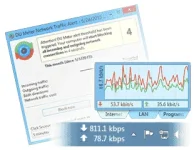
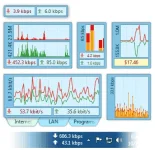
DU Meter is an Internet usage monitor for your computer.
It shows real-time graphs and can create reports and alerts
based on your downloads and uploads.
Installation Guide:
You do not have permission to view the full content of this post. Log in or register now.
Credits to: wârézHR Team
“No duty is more urgent than that of returning thanks." - James Allen
You do not have permission to view the full content of this post. Log in or register now.
DU Meter is an Internet usage monitor for your computer.
It shows real-time graphs and can create reports and alerts
based on your downloads and uploads.
Installation Guide:
- Disable Anti-Virus Software (False-positive)
- Extract and run setup file (DUMeter-Install.exe)
- Install, but don't open yet.
- Close all DU Meter running processes (Service / Monitor) in the Task Manager.
- Open ρá†ch (ρá†ch.exe), click ρá†ch and enter Name.
- Done. Restart your PC.
You do not have permission to view the full content of this post. Log in or register now.
Credits to: wârézHR Team
“No duty is more urgent than that of returning thanks." - James Allen