 PH
PHPageNotFound
Honorary Poster
I Would just like to share this simple trick to close a network surveillance program.
Hope it will help...
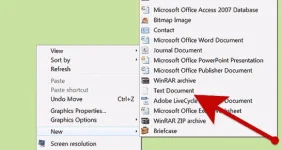
1.Right-click on your desktop and choose "New text document".
Steps
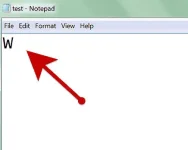
2. Write anything into the document, one letter is enough.
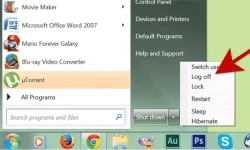
3. Log off your account. While the PC tries to log off, you should get a notice, asking if you want to save the document or to leave it unsaved, or to abort.
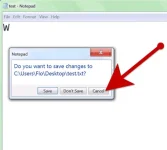
4. Choose abort. Windows should have closed nearly everything, already, except your document, though you have now aborted the log-off. The surveillance system should now have been closed.


