PH
PH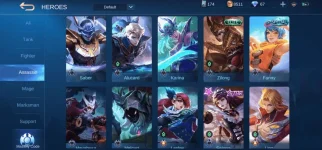
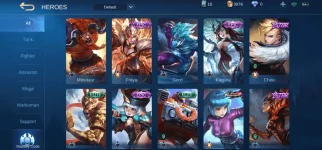
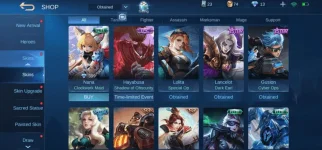
NOTE:
1. Login Using Moonton. [Hindi po Vk, Google Play or Facebook]
2. Don't use App Cloner minsan hindi gumagana sa Moonton.
3. Lahat ng mga accounts na ito ay na-i-check na working on the given date.
Para sa nagtatanong kung paano tangalin ang Banned account sa ML (Log out):
ANDROID:
1. Rename com.mobile.legends folder ex. com.mobile.legends1
Matatagpuan sa Android > data > com.mobile.legends
2. Goto Settings > Apps > Mobile Legends (clear data ML)
3. Also Clear Data Google Play Service.
4. Rename back the com.mobile.legends1 to the original data name com.mobile.legends
5. Start ML and your good to go.
IOS:
1. Uninstall ML.
2. Goto Settings > Privacy > Advertising > Reset Identifier
3. Install Back Mobile Legends.
Link Of The Accounts:
UPDATED JUNE 7, 2020: You do not have permission to view the full content of this post. Log in or register now.
Password:
MDEwMDEwMTAgMDEwMDAxMDEgMDEwMDExMDEgMDEwMTAwMDAgMDEwMDEwMDAgMDEwMDEwMDEgMDEwMTAwMTEgMDEwMTAxMDAgMDEwMDEwMDAgMDEwMDAxMDEgMDEwMDAwMTAgMDEwMDAxMDEgMDEwMTAwMTEgMDEwMTAxMDA=
Note: No added old accounts from my other post.
Hint: Decrypt the Password to get the Real Password :>
 Anyway salamat. Try ko maya..