 PH
PHIt is very common to get error -18 -20 or the "unlock to use accessories"
prompt when trying to jailbreak a passcode locked device to get the activation files.
In this tutorial, I show how to ρá†ch this error using a brand new FREE software utility by @minacrisOficial.
Download it fast and easy (This is a mac-only utility and does not support Windows)
Supports all checkra1n devices on iOS 12.2 to 13.x.x. Does not support any versions lower than iOS 12.2.
Reaction:
You do not have permission to view the full content of this post. Log in or register now.
Established :

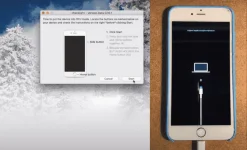
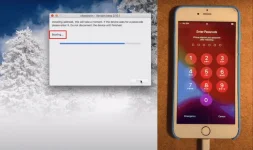
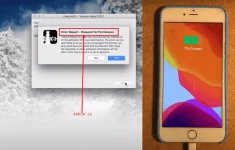

Click jailbreak again then HOLD this two botton VOL UP + HOME BOTTON (OPTIONAL) VOL DOWN + HOME (OPTIONAL) VOL UP + DOWN + HOME BOTTON
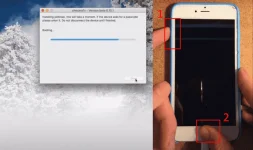
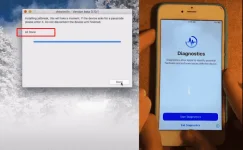
Then OPEN MinaUSB
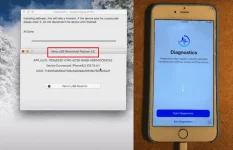
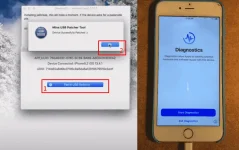
AFTER MINA USB TRY TO JAILBREAK AGAIN NO ERROR
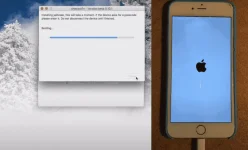
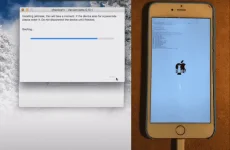
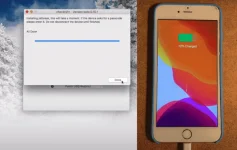

prompt when trying to jailbreak a passcode locked device to get the activation files.
In this tutorial, I show how to ρá†ch this error using a brand new FREE software utility by @minacrisOficial.
Download it fast and easy (This is a mac-only utility and does not support Windows)
Supports all checkra1n devices on iOS 12.2 to 13.x.x. Does not support any versions lower than iOS 12.2.
Reaction:
You do not have permission to view the full content of this post. Log in or register now.
Established :
Spoiler contents are visible only to Established Members.
- first you need to jailbreak your iphone or ipad at same time you boot into Diagnostic mode.
- devices without the home button just turn off device and press volume up and volume down at the same time, keep pressing while checkra1n is doing the process.
- On devices with home button jailbreak device and after checkra1n restart you keep pressing volume up and home button until you enter in diagnostics.
- in both situations, you will see checkr1an DONE
- on diagnostics screen run minaUSB, restart and jailbreak your device using the latest checkra1n Jailbreak tool as normal.
- OK now i try to jailbreak iphone 7 with Passcode
- stock on booting
- the common error for jailbreak like this
Click jailbreak again then HOLD this two botton VOL UP + HOME BOTTON (OPTIONAL) VOL DOWN + HOME (OPTIONAL) VOL UP + DOWN + HOME BOTTON
Then OPEN MinaUSB
AFTER MINA USB TRY TO JAILBREAK AGAIN NO ERROR