PH
PH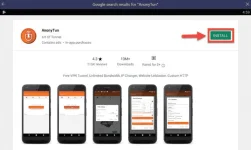
How To Download and Install AnonyTun On PC (Windows 10/8/7/Mac)
Step 1. To begin, download BlueStacks emulator You do not have permission to view the full content of this post. Log in or register now..
Step 2. After that, install BlueStacks on your PC.
Step 3. After successful installation, launch BlueStacks and then login to the Play Store with your Gmail account.
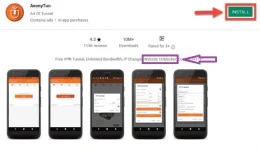
Step 4. Go to the Google Play Store, and search for the AnonyTun VPN app. You will see search result for AnonyTun for PC, install it into your PC and wait until it’s completed.
APK;
File Name: AnonyTun APK
Version: v5.5.7
Author: SmartNews, Inc.
Requirement: Windows 7/8/10 and Mac
You do not have permission to view the full content of this post. Log in or register now.