PH
PHROSALYN-KO 16
Forum Guru
first punta ka dito sa site
You do not have permission to view the full content of this post. Log in or register now.
tapos piliin mo yung basic 1
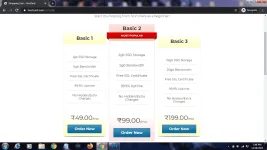
piliin ang basic1 order now
then lalabas ito
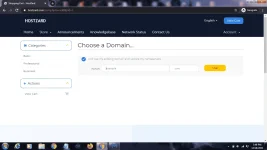
lagay nyo diyan yung freenom site nyo
once na ilagay na click ang use then lalabas ito
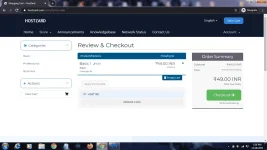
use this promo code HOST100
then click Validate Code
once click ang validate code magiging 0 INR na yan
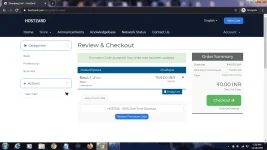
magiging free then click sa Checkout
then may lalabas fill up lang kahit wag nyo na seryosohin ang pag fill up
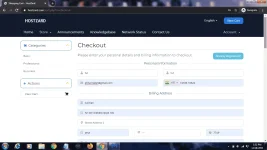
then ito sa baba
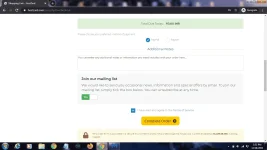
once na i click si Complete Order direct na yan hindi na yan pupunta sa paypal direct success Order kana
ganito ang lalabas after Complete order
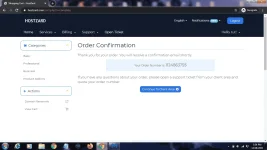
Click yung continue to client area
then ito lalabas click lang si services
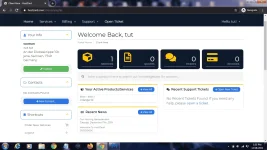
then ito
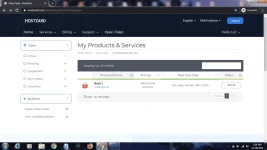
click yung active
then lalabas ito
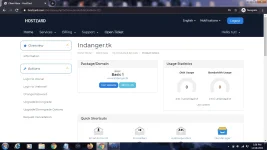
click login to cpanel nasa tabi yun nasa baba ng action
edit muna pala ang name server sa freenom
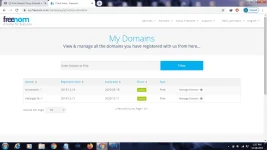
gamit ko yung indanger.tk
manage domain
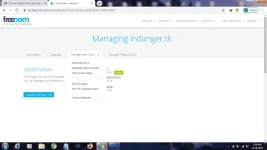
management tools then name servers
then select use custom nameservers
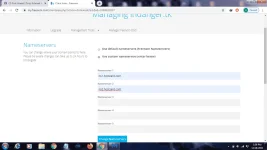
then change nameservers
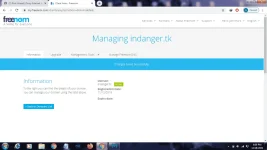
then try natin gumawa ng DNS pointing
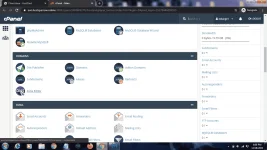
sa cpanel na ito click yung Zone editor
then click yung manage ng site mo
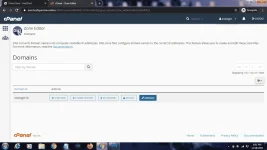
make sure sa filter naka A
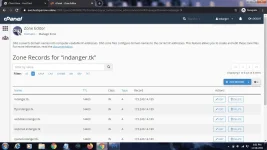
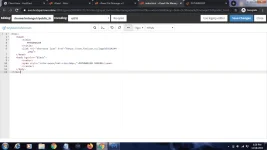
try ko gumawa ng dns sa 1.1.1.1 pang ping if gagana
click yung add record
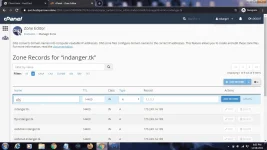
then click yung add record
then phc.indanger.tk try ko sa cmd kung working
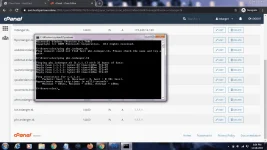
so working na working ang ating dns method
then si indager.tk magiging site na siya
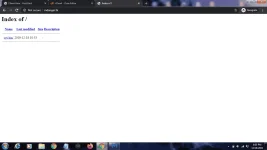
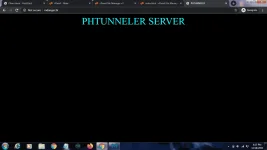
so yan ang laman ng site mo pag bago paano magiging normal site
ito ang sagot pwede din gawing ocs panel ito using JOHNFORD tricks
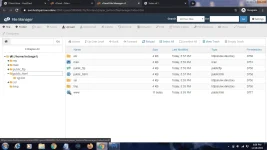
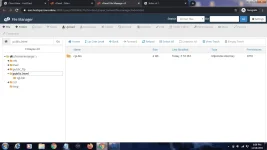
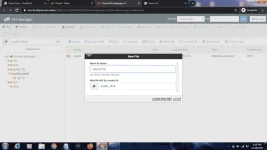
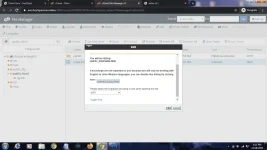
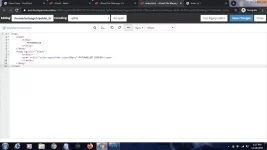
gawa tayo ng home page sa ating site sundan lang
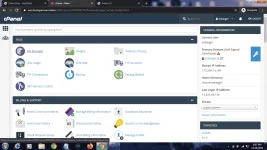
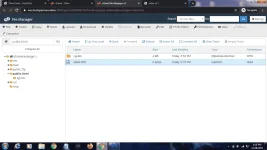
punta ulit sa cpanel
You do not have permission to view the full content of this post. Log in or register now.
tapos piliin mo yung basic 1
piliin ang basic1 order now
then lalabas ito
lagay nyo diyan yung freenom site nyo
once na ilagay na click ang use then lalabas ito
use this promo code HOST100
then click Validate Code
once click ang validate code magiging 0 INR na yan
magiging free then click sa Checkout
then may lalabas fill up lang kahit wag nyo na seryosohin ang pag fill up
then ito sa baba
once na i click si Complete Order direct na yan hindi na yan pupunta sa paypal direct success Order kana
ganito ang lalabas after Complete order
Click yung continue to client area
then ito lalabas click lang si services
then ito
click yung active
then lalabas ito
click login to cpanel nasa tabi yun nasa baba ng action
edit muna pala ang name server sa freenom
gamit ko yung indanger.tk
manage domain
management tools then name servers
then select use custom nameservers
then change nameservers
then try natin gumawa ng DNS pointing
sa cpanel na ito click yung Zone editor
then click yung manage ng site mo
make sure sa filter naka A
try ko gumawa ng dns sa 1.1.1.1 pang ping if gagana
click yung add record
then click yung add record
then phc.indanger.tk try ko sa cmd kung working
so working na working ang ating dns method
then si indager.tk magiging site na siya
so yan ang laman ng site mo pag bago paano magiging normal site
ito ang sagot pwede din gawing ocs panel ito using JOHNFORD tricks
gawa tayo ng home page sa ating site sundan lang
punta ulit sa cpanel