PH
PHSundan natin to mga paps tapos wag tayo maingay hahaha at pa feedback nalang mga paps kung okay sa inyo gumana at helpful ba
First Step punta ka website nila:
You do not have permission to view the full content of this post. Log in or register now.
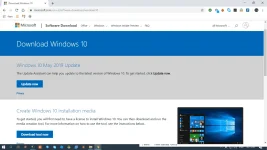
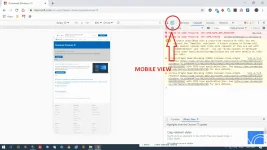
Second step, press F12 or Ctrl + Shift + I or yung tinatawag na developer options *sa mga di nakakaalam then click mo mobile view
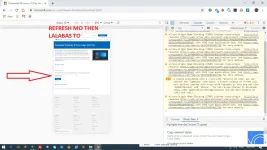
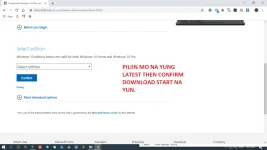
Third Step Refresh mo site then viola may lalabas na ganyan:
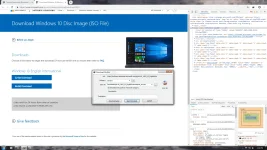
Laslty Download ka na ng latest Fresh and FREE Windows 10 ISO hahahaha
First Step punta ka website nila:
You do not have permission to view the full content of this post. Log in or register now.
Second step, press F12 or Ctrl + Shift + I or yung tinatawag na developer options *sa mga di nakakaalam then click mo mobile view
Third Step Refresh mo site then viola may lalabas na ganyan:
Laslty Download ka na ng latest Fresh and FREE Windows 10 ISO hahahaha