PH
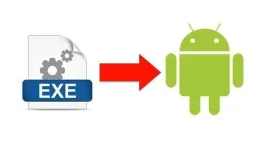
 Files with the EXE extension are executable files intended for use within Windows or MS-DOS. You can't make all EXE files work on an Android. However, many older DOS-based EXE files can be opened with the DOS emulator DOSBox.
 Step 1
Install a DOSBox app on your Android device. AnDOSBox, aDosBox and DosBox Turbo are three different DOSBox apps available from the Google Play store.
Step 2Open the DOSBox app.
Step 3Type "cd \foldername" into the command line, where "foldername" denotes the folder in which your EXE is contained. For example, if your EXE is in the Download folder, type "cd \download."
Step 4Click Enter on your Android keyboard.
Step 5Enter the name of the EXE file. You do not need to enter the .exe extension.
Step 6Tap "Enter" on your Android keyboard.
FOLLOW
FEEDBACK