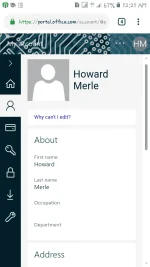
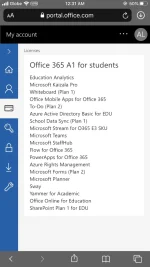
PH
PHBasically you can do this with an edu account
But this is another trick I found
Steps
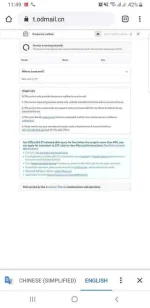
1 - Open this link and copy the temp mail
You do not have permission to view the full content of this post. Log in or register now.
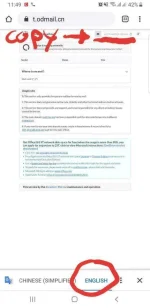
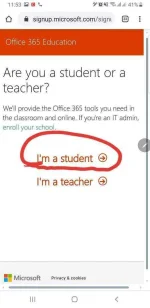
2 - Sign up as a Student
You do not have permission to view the full content of this post. Log in or register now.
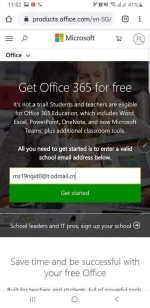
3 - Paste The Temp Email On Office 365 And Then Continue..


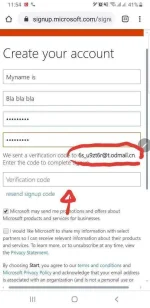
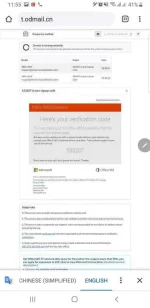
4 - Enter Verification Code From Temp Email And Start..
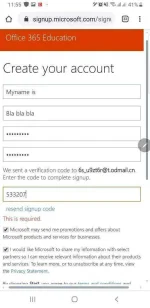
5 - Set A Recovery Email Or Number (optional)
And enjoy your free 5tb and office 365
But this is another trick I found
Steps
1 - Open this link and copy the temp mail
You do not have permission to view the full content of this post. Log in or register now.
2 - Sign up as a Student
You do not have permission to view the full content of this post. Log in or register now.
3 - Paste The Temp Email On Office 365 And Then Continue..
4 - Enter Verification Code From Temp Email And Start..
5 - Set A Recovery Email Or Number (optional)
And enjoy your free 5tb and office 365