 PH
PHHow to Fix League of Legends connectivity issue / Cannot Log in using Globe Modem.

Steps:
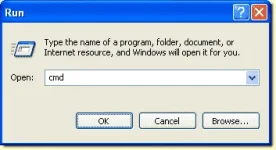
1.) Click windows start menu >> " type cmd in the search box and hit enter "
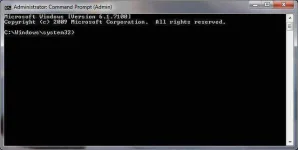
2.) Command prompt window will now appear.
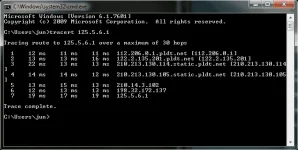
3.) In the command prompt, type "tracert 125.5.6.1"
4.) Done! restart computer, log in to Grena/LOL.
5.) Start Playing! GoodLuck!
Note:
Steps:
1.) Click windows start menu >> " type cmd in the search box and hit enter "
2.) Command prompt window will now appear.
3.) In the command prompt, type "tracert 125.5.6.1"
4.) Done! restart computer, log in to Grena/LOL.
5.) Start Playing! GoodLuck!
Note:
Code:
If its not working with you, then try to ipconfig/flushdns