PH
PH 1 MONTH ρáíd PRIVATE SERVER.
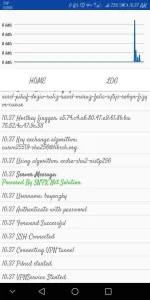
✔LOGIN USER AND PASS: bayonzky
app link:

You do not have permission to view the full content of this post. Log in or register now.
How to use smartnetfiberx VPN.

Please Read This Instructions

1. Open Smartnetfiberx VPN.
2. Tap 3 lines MENU.
3. Check update - Hintayin na may update na lalabas.
4. Tap SNFX MODE- Switch to PROXY>SSH
5. Select server & Network Promo.
6. Input Username, Password & tap connect.

ENJOY

___
Smartnetfiberx VPN.
Powered by: SNFX NET SOLUTION.