PH
PHImage for Windows
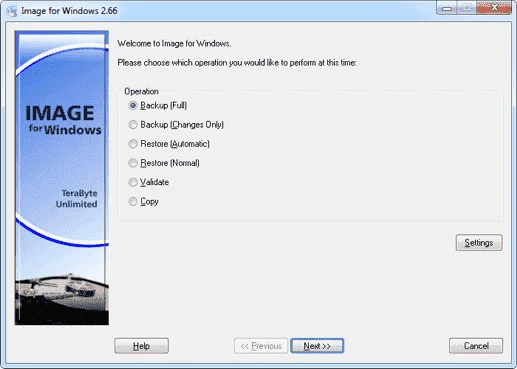
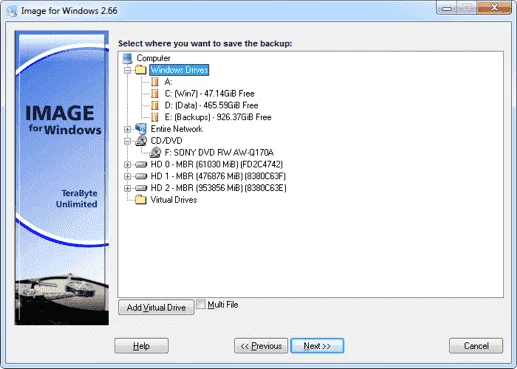
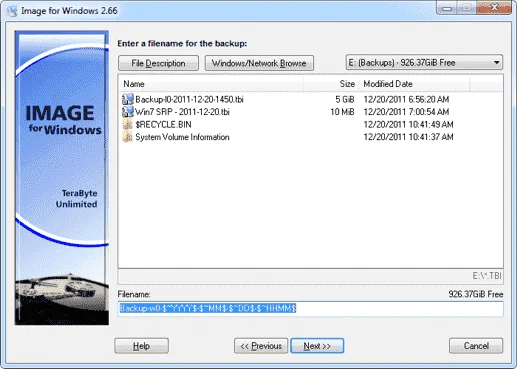
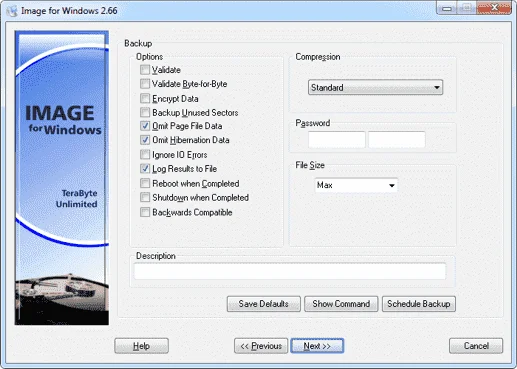
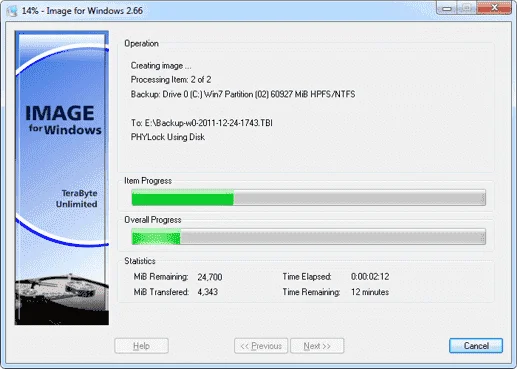
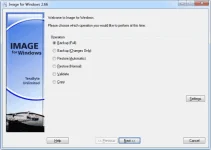
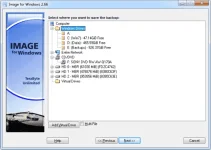
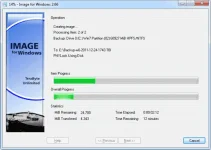
Image for Windows is an affordable, reliable drive image backup and restore solution that provides an easy and convenient way to completely backup all your hard drive’s data and operating systems. Your backups can be saved directly to external USB and FireWire drives, to internal or network drives, and even directly to CD or DVD. The Image for Windows package includes an easy-to-use MakeDisk wizard for creating a recovery boot disk. To restore your data and operating systems back to the way they were when the backup was created, simply boot the recovery disk and restore the partition(s) or drive(s) you need to recover. Image for Windows utilizes the technology provided by Volume Shadow Copy Service (VSS) or PHYLock, an add-on component included in the Image for Windows package. VSS and PHYLock allows you to continue using your computer while the backup is locked to a point-in-time. This eliminates the inconsistencies typically experienced while backing up a partition that is in use.
Image for Windows runs under the Windows operating system, yet it can backup or restore any partition, including those of DOS or Linux, and even partitions encrypted by third-party software.
The TeraByte drive image files produced by Image for Windows are compatible across all TeraByte Unlimited disk imaging products of the same major version number (i.e. all 1.x products are compatible with other 1.x products). This gives you the flexibility to restore disk images using your product of choice.
Bonus: Every purchase of Image for Windows includes a copy of Image for DOS and Image for Linux. Image for DOS and Image for Linux support the same powerful drive image functionality without requiring a working Windows installation. It also includes a licensed copy of the TeraByte OS Deployment Tool Suite (TBOSDTS) Pro. TBOSDT Pro contains a set of powerful utilities that, among other things, will help you deploy Windows to completely different hardware.
Size: 13.2 MB
Download Image for Windows
Image for Windows is an affordable, reliable drive image backup and restore solution that provides an easy and convenient way to completely backup all your hard drive’s data and operating systems. Your backups can be saved directly to external USB and FireWire drives, to internal or network drives, and even directly to CD or DVD. The Image for Windows package includes an easy-to-use MakeDisk wizard for creating a recovery boot disk. To restore your data and operating systems back to the way they were when the backup was created, simply boot the recovery disk and restore the partition(s) or drive(s) you need to recover. Image for Windows utilizes the technology provided by Volume Shadow Copy Service (VSS) or PHYLock, an add-on component included in the Image for Windows package. VSS and PHYLock allows you to continue using your computer while the backup is locked to a point-in-time. This eliminates the inconsistencies typically experienced while backing up a partition that is in use.
Image for Windows runs under the Windows operating system, yet it can backup or restore any partition, including those of DOS or Linux, and even partitions encrypted by third-party software.
The TeraByte drive image files produced by Image for Windows are compatible across all TeraByte Unlimited disk imaging products of the same major version number (i.e. all 1.x products are compatible with other 1.x products). This gives you the flexibility to restore disk images using your product of choice.
Bonus: Every purchase of Image for Windows includes a copy of Image for DOS and Image for Linux. Image for DOS and Image for Linux support the same powerful drive image functionality without requiring a working Windows installation. It also includes a licensed copy of the TeraByte OS Deployment Tool Suite (TBOSDTS) Pro. TBOSDT Pro contains a set of powerful utilities that, among other things, will help you deploy Windows to completely different hardware.
Size: 13.2 MB
Download Image for Windows