 PH
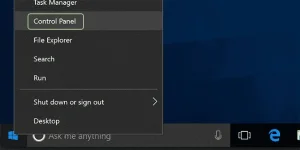
PH1. Right click the Start button and select Control Panel.
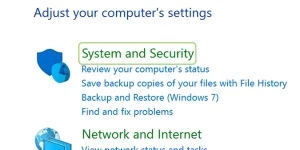
2. Make your way to System and Security.
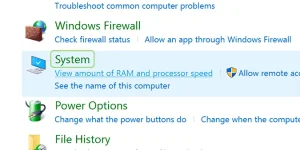
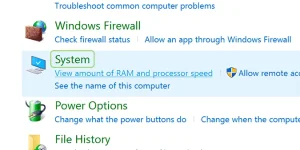
3. Click System.
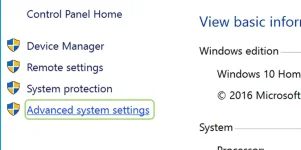
4. Click Advanced system settings from the left sidebar.
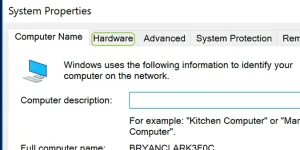
5. Select the Hardware tab.
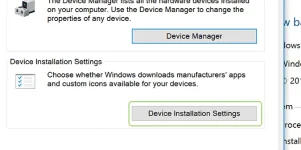
6. Press the Device Installation Settings button.
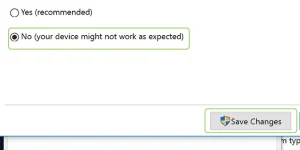
7. Choose No, and then press the Save Changes button.
Follow: Mr.JCen for more Updates
2. Make your way to System and Security.
3. Click System.
4. Click Advanced system settings from the left sidebar.
5. Select the Hardware tab.
6. Press the Device Installation Settings button.
7. Choose No, and then press the Save Changes button.
Follow: Mr.JCen for more Updates