PH
PHletcheayts
Fanatic
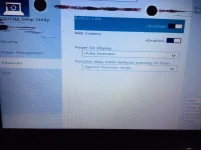
ng papatulong ung kaibigan ko kasi ung laptop toshiba niya parati mag no bootables deive-- please restart sinobukan ko e unplug at e plug in ung hardisk kaso ganun parin sinobukan ko din ito restart with CTRL+ALT+DELETE after the message No bootable device... appears; 2. Access laptop's BIOS Setup menu (F2 od Delete button); 3. In Security tab disable Secure boot if it is enabled; 4. In Advanced tab, in System Configuration change the boot mode from UEFI Boot to CSM Boot; 5. Press F10 kaso wala sya'ng boot mode paki help po kung cnu na nka ayus nito