PH
PHmynameisrap01
Enthusiast
The name of the app that you will be able to use to download third-party apps without having to jailbreak in any on any iOS 9.3.4, 9.3.5 or iOS 10 apple device.
Go to to:
You do not have permission to view the full content of this post. Log in or register now.


--
How to
Install TweakBox
Step 1 – Launch “You do not have permission to view the full content of this post.
Log in or register now. from Safari, tap the “Install Now’ button to install the app.Go to to:
You do not have permission to view the full content of this post. Log in or register now.
--
How to
Install TweakBox
Step 2 – You’ll be redirected to Profiles screen to install TweakBox app profile. Tap “Install Now” and enter your pass-code to proceed.
Step 3 – When you reach “Thanks For Choosing TweakBox” consent message tap “Install” and then “Install Profile“. Tap “Done” to finish.
Step 4 – Close Safari and launch TweakBox. The application will appear on your springboard, and all you have to do is launch it.
Using TweakBox
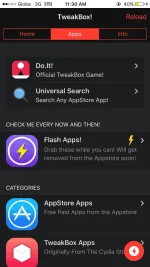
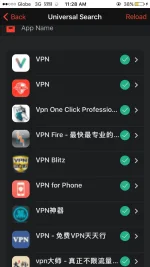
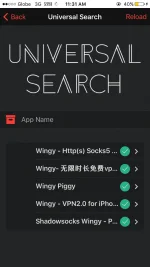
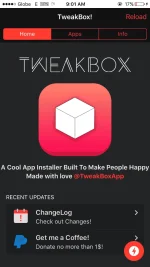
This app will provide you with access to hundreds of different third-party apps that you ordinarily would not have been able to get without a jailbreak.
One thing we like in the app is that the information if apps are working has a good read.
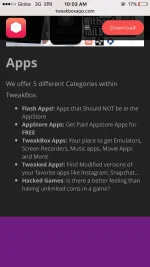
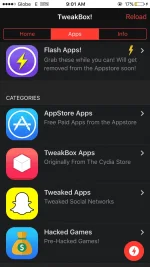
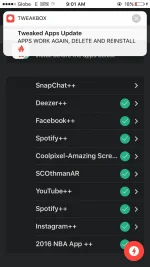
In Apps section it displays: Flash Pass (Cydia Apps IN the App Store for limited time), App Store Apps, TweakBox Apps (originally from the Cydia store), Tweaked Apps (Tweaked Social Networks) and Games.
Enjoy
And
Hit like