 PH
PHKeala Kazumori-Sakamoto
PHC - Dyosa ®
syempre, iconnect mo nalang sa program mo.. gawa ka ng databaseyup ganun na nga pero need ba yun ng database?
syempre, iconnect mo nalang sa program mo.. gawa ka ng databaseyup ganun na nga pero need ba yun ng database?
may nagawa akong codes pero mali naman yun derxcopy paste mo iyong code dito kasi leashy :meh:

parang di na naman need kasi isave lang gamit yun writedata format kaso di ko lang alam lolsyempre, iconnect mo nalang sa program mo.. gawa ka ng database
ganun nga po feeling ko di na kelangan ng database..kailangan pa ba ng db? hindi ba values ng text box tsaka combo box yung maaoutput sa text file?
yun nga try mo sa video na yun naka writedata lang sya ..parang di na naman need kasi isave lang gamit yun writedata format kaso di ko lang alam lol
//sa umpisa to parang import sa java
using System.IO;

        //simula dito
        using (StreamWriter writer =
            new StreamWriter("important.txt"))
        {
            writer.Write("Word ");
            writer.WriteLine("word 2");
            writer.WriteLine("Line");
} string name = textbox1.text;
int age = textbox2.text;
writer.Write(name + ', ' age);thankyou sa idea, ill try..ts, yung important.txt yung txt file nasa bin/debug directory siya nawriwrite...Code:using System.IO; class Program { static void Main() { using (StreamWriter writer = new StreamWriter("important.txt")) { writer.Write("Word "); writer.WriteLine("word 2"); writer.WriteLine("Line"); } } }
di ko alam yun wala keala kaming discuss2. lolC# ka nga pala.. oh streamwriter?!
di mo pala alam, bat eto ba pinagagawa? hahaha relax kaya yan ng programmers natin.di ko alam yun wala keala kaming discuss2. lol
using System;
using System.Collections.Generic;
using System.ComponentModel;
using System.Data;
using System.Drawing;
using System.Linq;
using System.Text;
using System.Windows.Forms;
using System.IO;

namespace WindowsFormsApplication1
{
    public partial class Form1 : Form
    {
        public Form1()
        {
            InitializeComponent();
        }

        private void Form1_Load(object sender, EventArgs e)
        {

        }

        private void button1_Click(object sender, EventArgs e)
        {
            string name = textBox1.Text;
            using (StreamWriter writer =
            new StreamWriter("important.txt"))
            {
                writer.Write(name);
            }
        }
    }
}
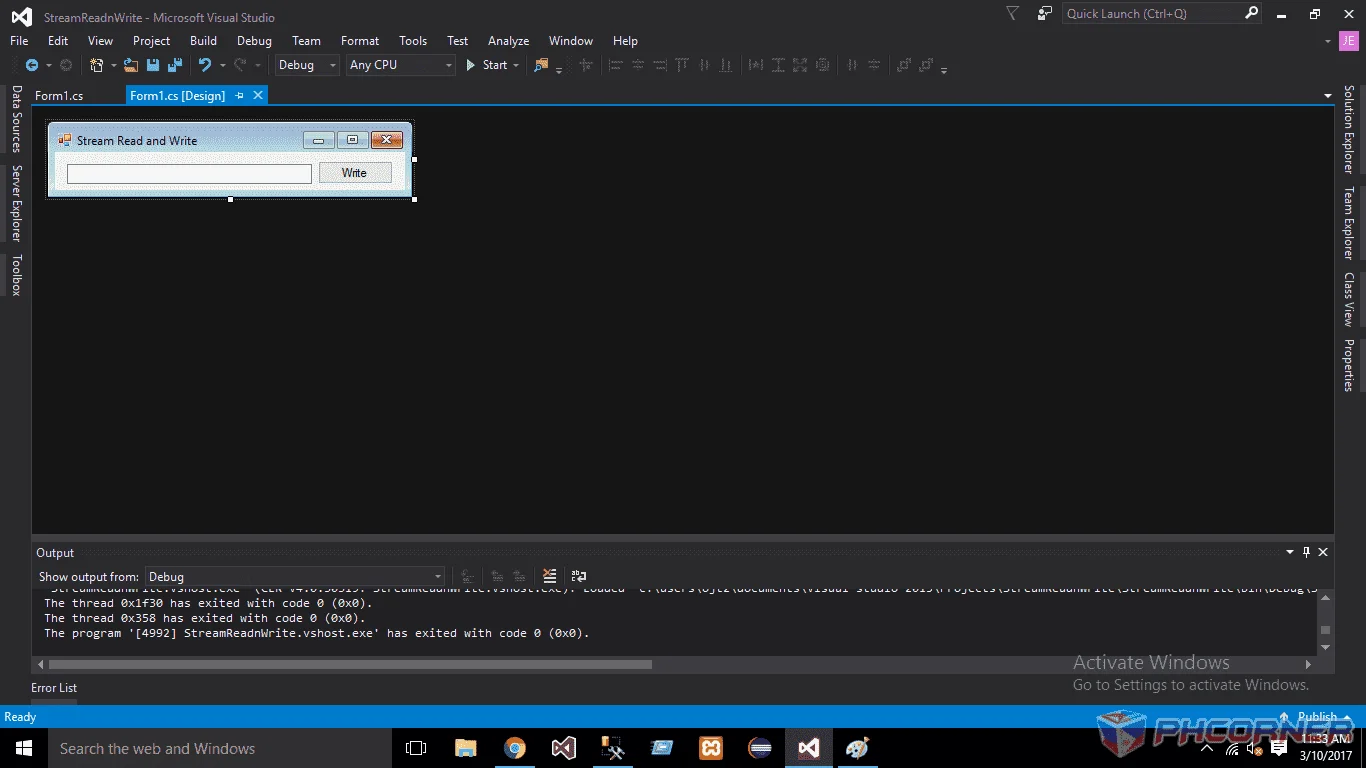
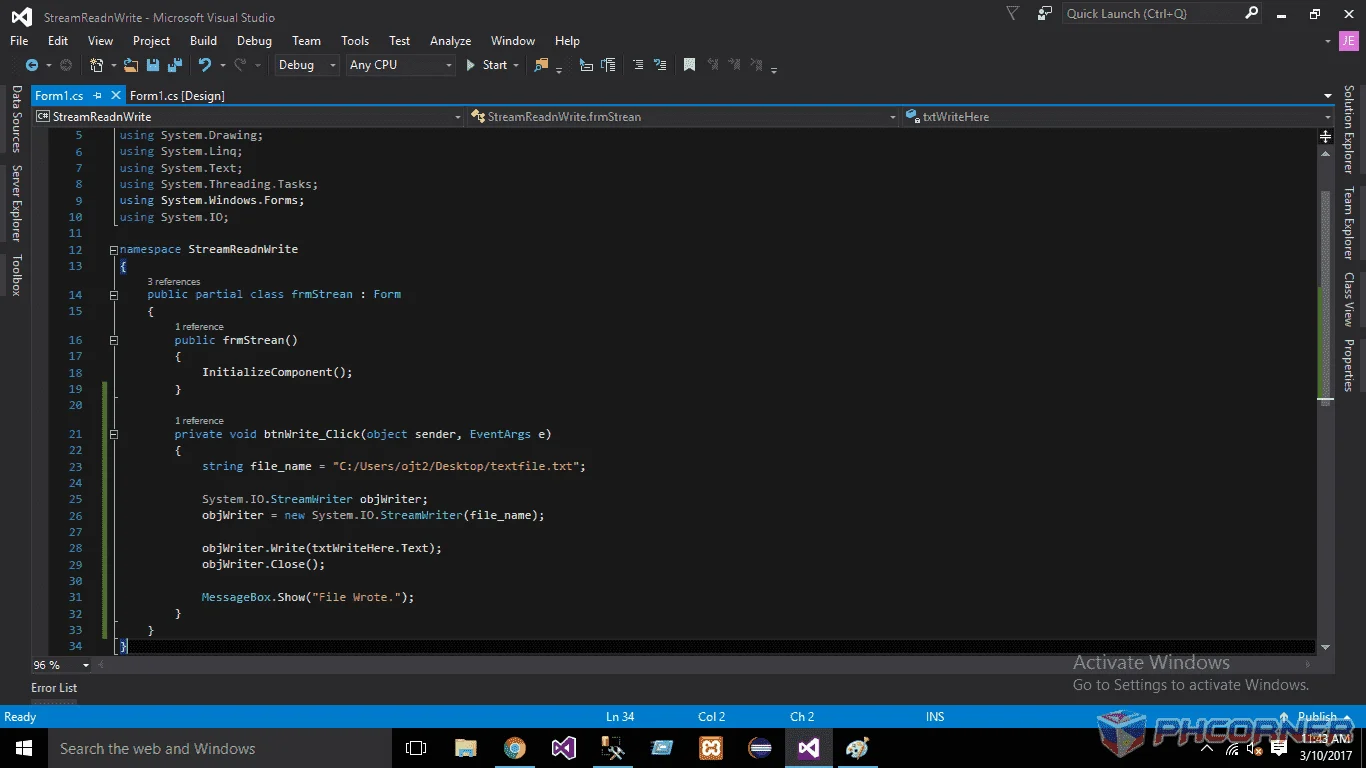
string file_name = "C:/Users/ojt2/Desktop/textfile.txt";

            System.IO.StreamWriter objWriter;
            objWriter = new System.IO.StreamWriter(file_name);

            objWriter.Write(txtWriteHere.Text);
            objWriter.Close();

            MessageBox.Show("File Wrote.");
